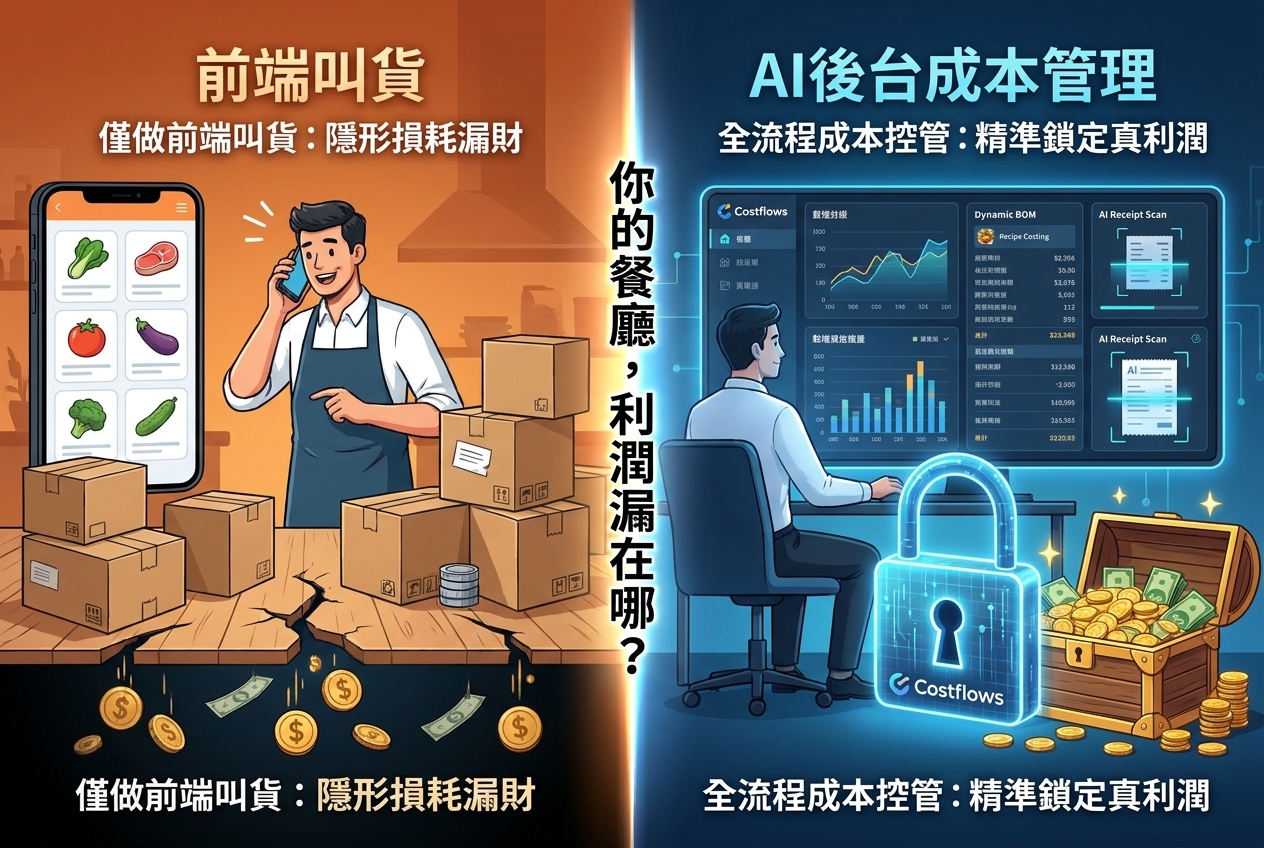
The true value of restaurant procurement reconciliation automation isn't converting paper invoices into PDFs—it's turning daily receipts into actionable data so operators can spot and fix cost leaks on day one. By pairing AI OCR technology (which handles handwritten receipts) with 3-way matching and syncing inventory with recipe costs, restaurants stop price creep, short shipments, and data entry errors in real time. This transforms reconciliation from a painful end-of-month chore into a proactive daily profit guard.
For restaurants, procurement isn't just back-office admin. It directly impacts your food costs, dish consistency, cash flow, and bottom-line profit margins. When your data is scattered across WhatsApp chats, paper tickets, spreadsheets, and accounting software, your team ends up working off completely different numbers. When management wants to know why beef prices suddenly spiked or why a specific branch is burning through excess inventory, you're usually stuck waiting days for manual reports—losing money every step of the way.
Why Manual Reconciliation Always Leaves You One Step Behind
In a traditional setup, receiving staff collect paper delivery notes, store managers enter items into Excel, and accounting manually cross-checks invoices at month-end. While familiar, this manual workflow creates three massive operational headaches: delayed data, inconsistent item naming, and unclear accountability.
For example, a single ingredient like cherry tomatoes might be recorded as "Cherry Tom," "Small Tomato," or a vendor-specific item code across different tickets. Without standardized item mapping, your system can't track historical unit prices, let alone sync procurement volumes with inventory and recipe costs. Add handwritten receipts, emergency runs, cash purchases, and inter-store transfers to the mix, and month-end reconciliation becomes a frantic paper chase instead of strategic cost analysis.
The real expense isn't the hours spent on manual data entry—it's the cost of delayed awareness. When a vendor silently raises prices for two consecutive weeks or under-delivers on key stock, discovering it at month-end means you’ve already missed the window to re-negotiate, switch vendors, or tweak your menu pricing.
What Should Restaurant Procurement Automation Actually Do?
Effective automation goes far beyond basic scanning. It converts every purchase document into structured, searchable data—capturing vendor details, dates, items, specs, quantities, unit prices, discounts, taxes, and totals—and links purchase orders (POs), receiving logs, and vendor bills together seamlessly.
1. Structured Data Capture via AI OCR (Including Handwritten Receipts)
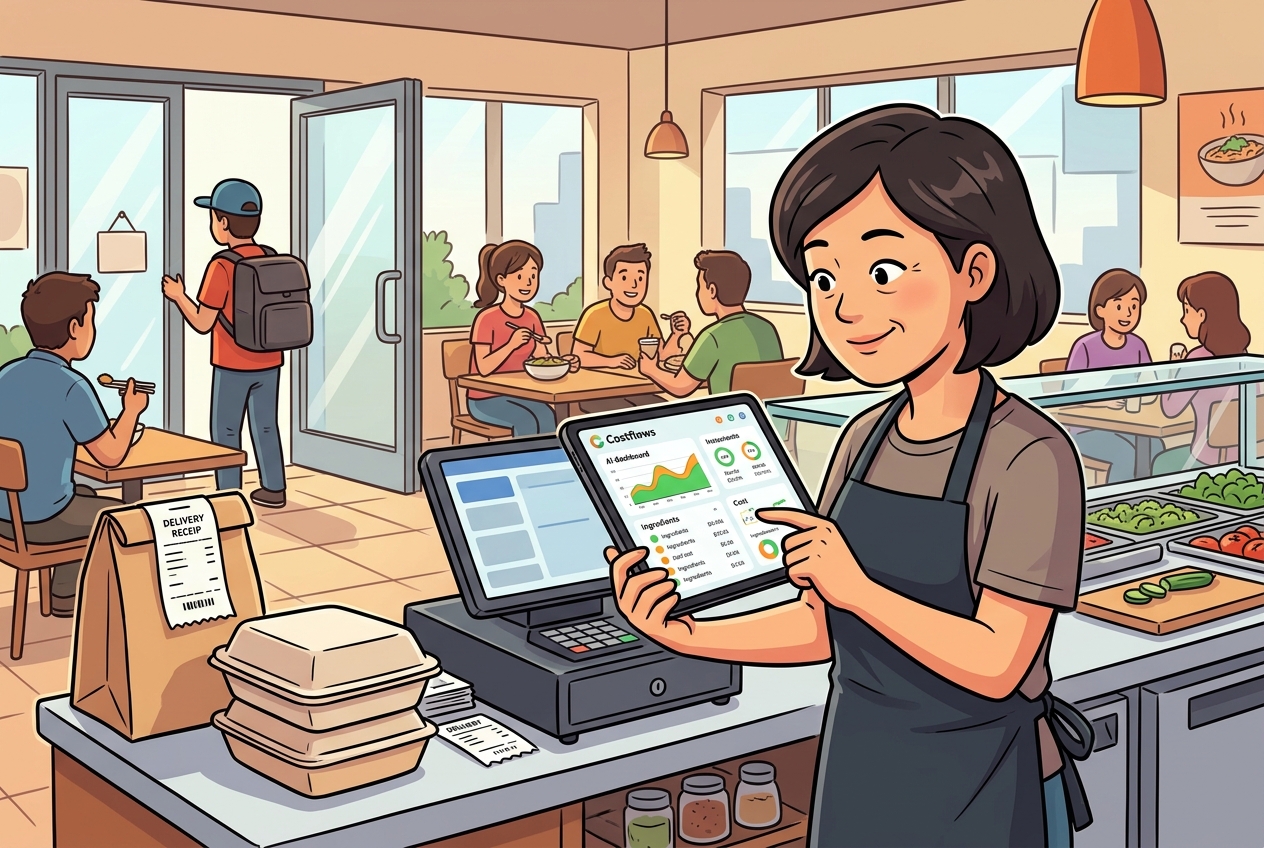
When frontline staff snap a picture of a delivery note on their phone, the system uses OCR data extraction to parse details and map them to master items. Crucially for restaurants, supporting handwritten dockets from local markets or boutique vendors ensures messy paper receipts don't create messy digital records.
2. Automated 3-Way Matching
This is the core of reconciliation: automatically comparing what was ordered, what was actually received, and what the vendor billed. If you ordered 10 cases but only received 9, or if the unit price exceeds contract rates, the system flags the discrepancy immediately so you can resolve it before issuing payment.
3. Upfront Digital Ordering and Approval Rules
Automation starts right at mobile ordering. Kitchen teams place orders using predefined vendor lists, while managers approve requests based on spend limits or store roles. Orders are sent automatically via WhatsApp or email, creating a clear audit trail that eliminates verbal ordering miscommunications.
4. Real-Time Price Monitoring & Spike Alerts
Price monitoring directly impacts your gross margin. If a vendor charges more than the last order, average purchase price, or benchmark threshold, managers get an instant alert with full visibility into price history and variance frequency—allowing teams to address price hikes on the spot.
Connecting Reconciliation Data to Inventory & Margins
Procurement data shouldn't stop at AP approval. Every time receiving is confirmed, store inventory updates automatically. Tracking waste, transfers, staff meals, and stock counts on mobile gives management a live view of what was purchased versus what was actually consumed or wasted.
When synced with recipe management, the system feeds live ingredient prices directly into recipe cost cards. If a core ingredient spikes in price, you instantly see the margin hit and can decide whether to adjust menu prices, portion sizes, or sourcing. This provides far more actionable insight than a static overall food cost percentage, pinpointing the exact items eating into your profits.
Integrated POS sales data completes the picture by comparing theoretical vs. actual usage. Discrepancies highlight over-prepping, unrecorded waste, inconsistent portioning, or receiving leaks, giving kitchen leads and purchasing teams a single source of truth to drive continuous improvement.
How to Roll Out Automation with Zero Friction
F&B operators often worry that new tech will overwhelm store staff. The trick is avoiding a "waterfall" launch where every historical record and warehouse is onboarded at once. Instead, start with your highest-volume or most price-volatile vendors.
Focus Phase 1 on three simple daily habits:
- Snap and upload delivery notes daily.
- Match every delivery against a digital PO.
- Follow up on price alerts immediately.
Once your team gets used to working from a single system, gradually introduce stock counts, waste logging, recipe costing, central kitchen transfers, and accounting integrations.
From Month-End Cleanup to Daily Control: How Costflows Helps
Costflows combines AI invoice capture with human verification to process handwritten notes and 40+ languages with 99.8% accuracy. Instead of getting trapped in a scan drawer, your invoice data flows straight into procurement workflows, inventory, vendor performance tracking, recipe costing, and daily P&L forecasting.
Multi-unit operators can compare pricing and yield across locations, central kitchens can track raw materials from receiving through production and store fulfillment, and finance teams cut out repetitive data entry.
Restaurant management is all about reacting to cost changes on the day they happen. When every invoice is logged daily, every price hike is caught immediately, and every discrepancy has an audit trail, procurement reconciliation stops being a month-end headache and becomes a daily routine for protecting your profit margins.
Frequently Asked Questions
Q1: Can the system process handwritten delivery notes from local fresh markets?
A1: Yes. Modern restaurant procurement automation platforms like Costflows use AI OCR optimized for F&B workflows, backed by human verification. This allows the system to accurately read handwritten dockets, faded thermal receipts, and multilingual tickets, mapping them cleanly into standardized digital items.
Q2: Can restaurant procurement automation integrate with POS and accounting software?
A2: Yes. Automated reconciliation systems export or sync approved bill and invoice data directly into accounting platforms (like Xero or QuickBooks). They can also pull POS sales data to run theoretical versus actual food cost analyses automatically.
Q3: Will automated reconciliation create extra work for frontline kitchen staff?
A3: No, it actually saves them time. Frontline staff simply take a photo of the delivery docket using a smartphone upon receiving goods. The system handles data entry, line-item extraction, and price checking automatically, eliminating manual logbooks and paper filing.
.png)

訂閱最新消息
不要錯過任何餐飲的資訊