The problem you’re actually trying to solve is rarely as simple as "getting a receipt into the computer."
Anyone in the F&B industry knows the drill: purchase orders, delivery notes, invoices, hand-written adjustments, and WhatsApp screenshots of quotes. They all boil down to the same headaches: Who’s going to input this? Is it accurate? When will the books be balanced? And who’s responsible when things go wrong?
When evaluating restaurant OCR software, don’t get distracted by a pretty interface or "AI recognition rates." For owners, procurement, and finance teams, the real value lies in whether that data can directly drive your procurement, inventory, and profit management.
1. The F&B Reality: Why General OCR Often Fails
Most OCR tools on the market are just "text readers." They see characters, but they don’t understand the logic of a kitchen:
- Unit Chaos: They can’t distinguish conversion logic between "cases, kilograms, packs, or pieces."
- Standardization Issues: They struggle to group the same ingredient when different suppliers or branches use different names.
- Kitchen Conditions: They often fail to read hand-written adjustments or blurry photos taken in a busy kitchen.
The core value of a specialized OCR isn't turning images into text—it’s turning them into structured data to calculate COGS, track inventory, and protect your margins.
2. Four Key Metrics to Evaluate Restaurant OCR
Beyond basic accuracy, focus on these core capabilities:
① Field Readiness: Does the data (supplier, unit price, tax) automatically sync into your business system? If you still have to manually format the data after scanning, you haven’t saved time—you’ve just traded "typing" for "editing."
② Anomaly Detection (Proactive Loss Prevention): A smart system "thinks." It should alert you immediately if a price suddenly spikes, if a quantity deviates from history, or if the invoice doesn't match the delivery note.
③ Closed-Loop Integration: OCR shouldn't be an island. The ideal flow is: Snapshot at the front line -> Auto-generated procurement record -> Real-time inventory update -> Automated accounting.
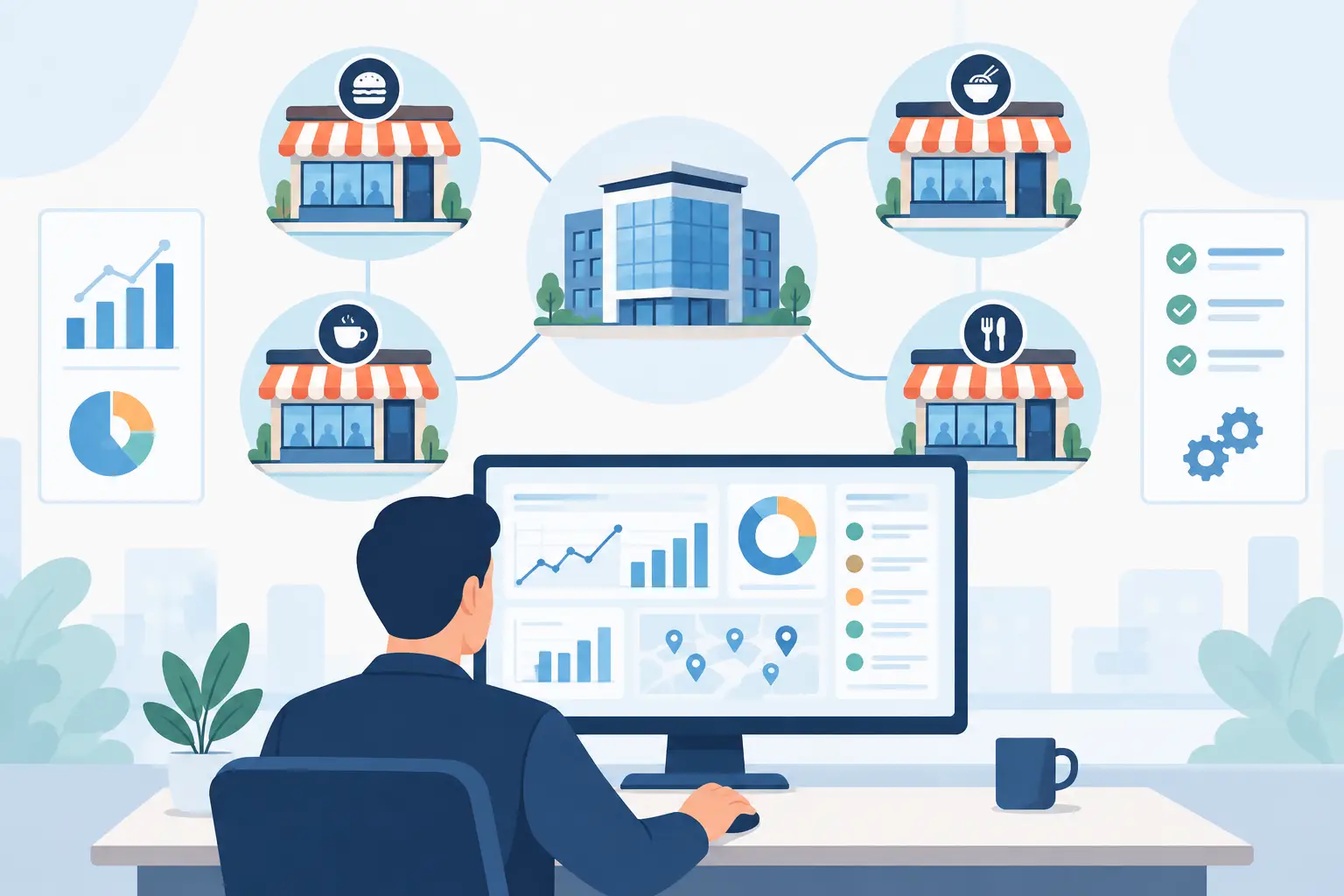
④ Multi-store & Chain Scalability: While a single shop wants to save time, a chain needs "standardization." Look for features like cross-store permissions and central kitchen logic.
3. Three Types of Software: Which One Fits You?
- General OCR Tools: Low cost and fast setup, but lack an F&B dictionary. You’ll save some typing time, but you’ll spend it all manually fixing unit conversions and supplier matches.
- Finance-Oriented Systems: Great for tax compliance and audits, but they don't "speak kitchen." They help balance the books, but they won't tell you where your food waste is happening or how your menu costs are fluctuating in real-time.
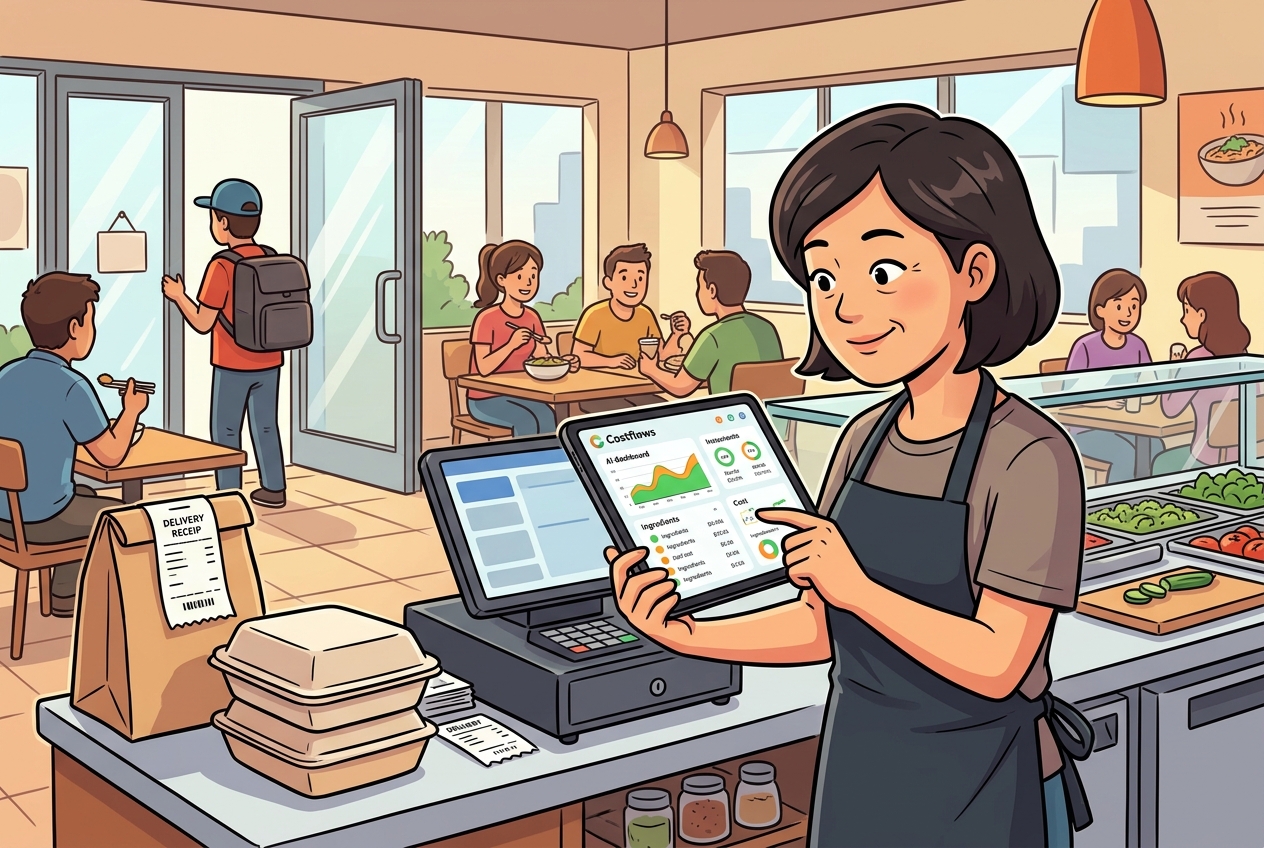
- Integrated Restaurant Intelligence (The Gold Standard): Like Costflows Intelligence. Here, OCR is the entry point for your entire operation. The moment a bill is snapped, it impacts procurement, inventory, and profit reports simultaneously. It doesn't just read words; it monitors price fluctuations and supplier performance.
4. Real-World Challenges: Handwriting and Mobile UX
In a high-pressure kitchen, no one has time for a 10-step process.
- Mobile Experience: Uploading and verifying must be lightning-fast to ensure your team actually uses it.
- Handwriting Support: If the software can't read a driver’s hand-written adjustment, you're back to manual data entry.
- Clear Permissions: You need to know exactly who confirmed a delivery or changed a price.
Summary: "Cheap" is Not the Same as "Saving Money"
It’s easy to focus on the monthly subscription fee, but you should be calculating the Total Cost of Ownership.
Saving a few dollars on software is a loss if your manager is still stuck doing manual spreadsheets and your finance team is staying late to reconcile accounts. A true digital partner like Costflows transforms chaotic paperwork into clear financial health reports, giving you the clarity to grow with confidence.
.png)

訂閱最新消息
不要錯過任何餐飲的資訊