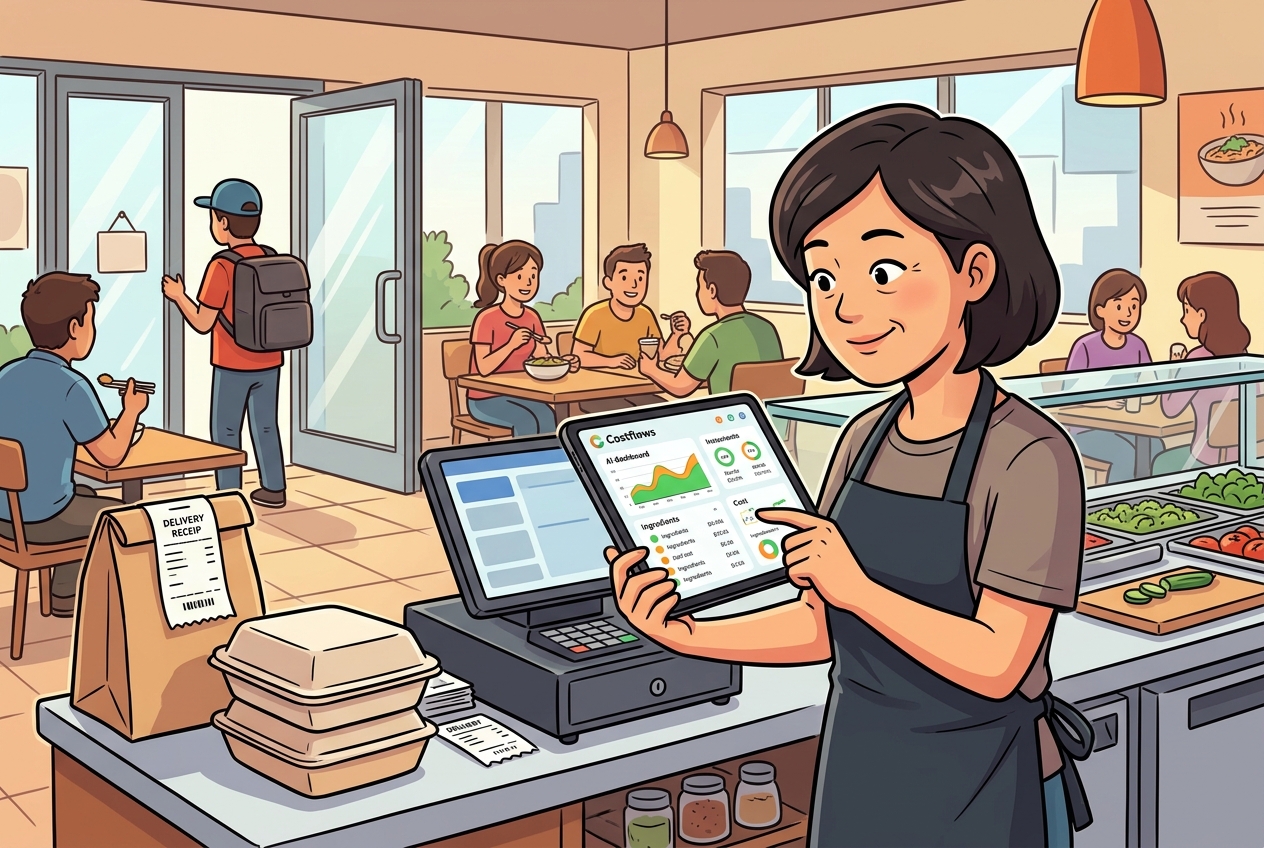
When month-end rolls around, the same old chaos hits: store managers are chasing buyers for orders, the kitchen is digging through a mountain of delivery notes, and the accountant is staring at Excel trying to find why the numbers don't add up. Meanwhile, the owner just wants to know one thing—why did food costs spike again this month?
For many F&B teams, choosing between an Accounts Payable (AP) system and Excel isn't just about software preference. It’s about whether your operational data is timely, accurate, and traceable.
The Real Difference: Recording Results vs. Managing Processes
Excel is cheap and familiar, making it a go-to for new, small shops. But as you scale—adding more locations, more suppliers, and a mess of paper, WhatsApp, and handwritten notes—Excel stops being "convenient" and starts bottlenecking your entire procurement and reconciliation workflow.
In Excel, you’re always playing catch-up: collect the bill, read it, manually type it in, and then categorize it. If one link in that chain breaks, your entire end-of-month report is wrong. AP systems work the opposite way. They capture data at the source. The moment the front-of-house snaps a photo of a bill, the data is structured and synced. Management sees real-time spending trends, not just a history of what happened weeks ago.
3 Things Excel Can’t Handle in a High-Pressure Kitchen
- Fragmented Data Sources: When orders happen over WhatsApp and delivery notes are stained paper, Excel can’t automatically connect the dots. You end up relying on memory and guesswork.
- Rapid Price Fluctuations: Seafood, meat, and produce prices change daily. Excel might record a price, but it won’t alert you when a supplier stealthily raises rates or when a specific item is cheaper elsewhere.
- Cross-Department Collaboration: AP involves the kitchen, warehouse, buyers, and finance. Excel’s biggest weakness is "Version Control." Everyone ends up looking at a different version of the truth, leading to endless disputes at month-end.
The Hidden Cost of "Saving Money"
Many owners stick with Excel to save on software fees, but they end up paying more in labor. When staff spend hours transcribing and verifying bills, you aren't saving money—you're losing the window of time needed to adjust your menu pricing or procurement strategy.
Why Make the Switch?
- Efficiency: Systems like Costflows use AI and OCR to turn photos into data instantly. It turns a chore everyone hates into a standardized, real-time process.
- Accuracy: Human error is inevitable in manual entry. An AI-driven system identifies items, quantities, and unit prices with high precision, giving finance a "single source of truth."
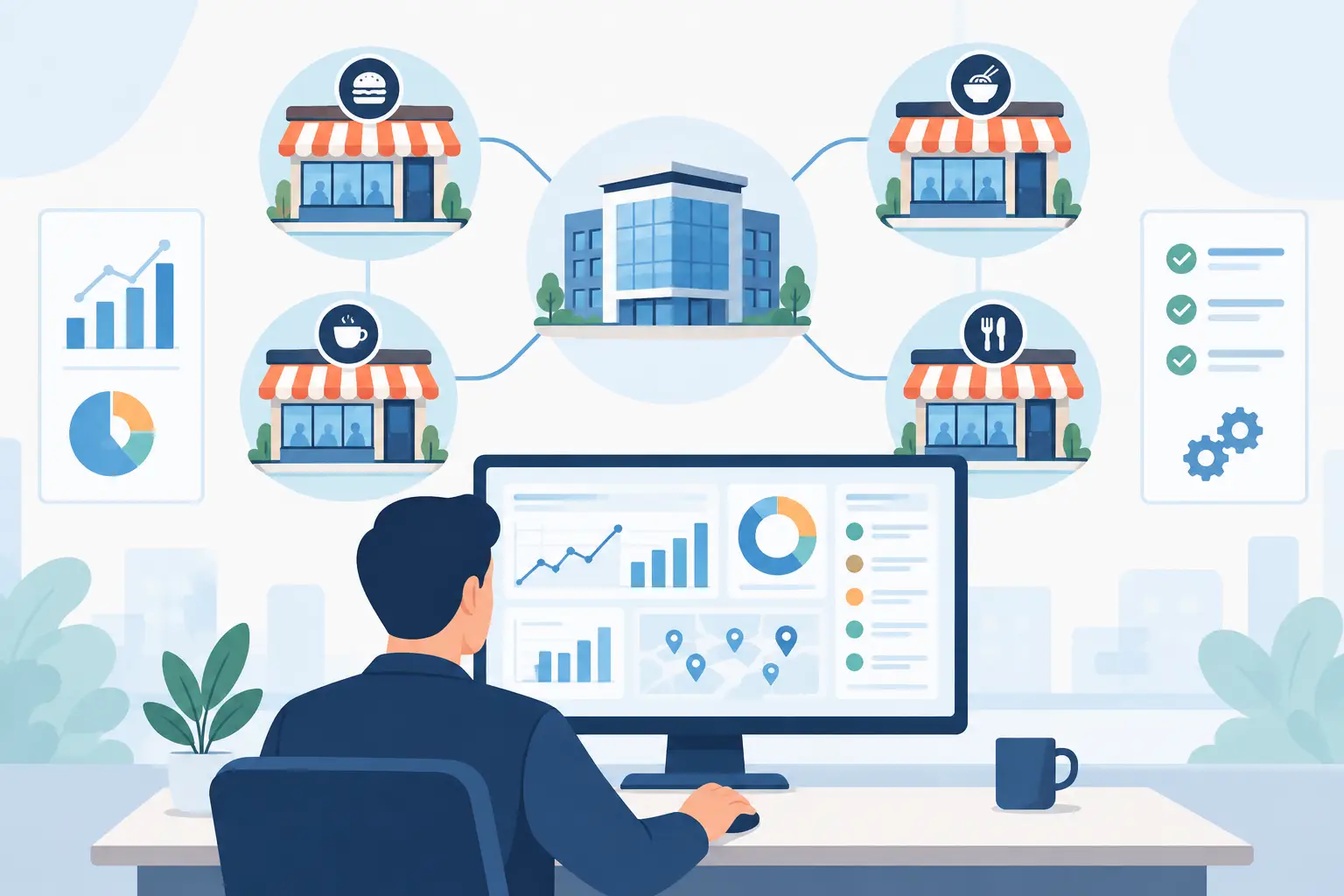
- Scalability: Managing one shop with Excel is doable; managing ten is a nightmare. A dedicated system ensures every branch follows the same rules for procurement and reconciliation.
The Bottom Line: Protect Your Profits
In the restaurant industry, margins are razor-thin. The winners aren't just those with high turnover, but those who plug the leaks in waste, overpricing, and manual errors. If you need to "just write it down," Excel works. But if you need to see exactly where your money is leaking right now, it’s time for a professional AP solution.
.png)

訂閱最新消息
不要錯過任何餐飲的資訊