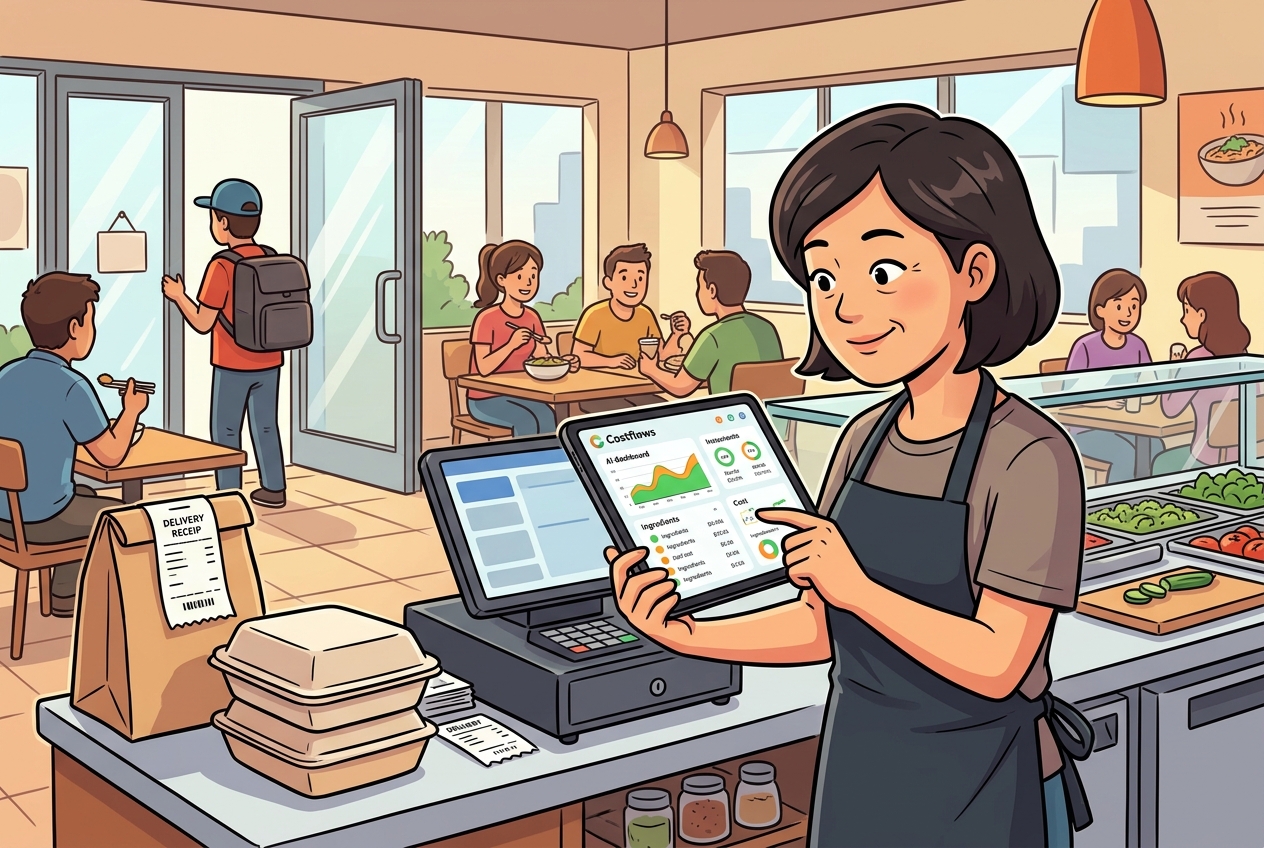
A handwritten invoice from a fishmonger, a quick WhatsApp order, or a spreadsheet updated at the end of the month—these are often where restaurant profit margins begin to slip. When procurement, receiving, inventory, waste tracking, and accounting are all handled by different people using disjointed tools, management is left in the dark. You’re left asking: Which supplier raised prices? How much did food costs jump this week? Is our signature dish actually making any money?
An effective restaurant procurement system isn't just about moving paper-based workflows onto a screen. It’s about transforming every purchase and inventory shift into data that is traceable, comparable, and actionable. For a single restaurant, this means less time spent reconciling invoices. For restaurant groups, franchises, and central kitchens, it’s the foundation for standardizing operations, controlling margins, and scaling effectively.
Why Restaurants Need a Procurement System, Not Just Excel
Excel is great for recording numbers, but it struggles to keep up with the chaotic reality of a busy kitchen. Between last-minute orders, staff snapping photos of delivery notes, and suppliers making split deliveries, data often sits in limbo until someone has "extra time." In the meantime, price hikes, short shipments, duplicate orders, or unauthorized purchases are already eating into your bottom line.
The bigger issue is the "data silo." Procurement knows what was ordered; the kitchen knows what was used; warehouse staff knows what was wasted; and accounting only sees the damage when the invoice arrives at month-end. Without a unified system, managers see the results far too late to fix the root cause.
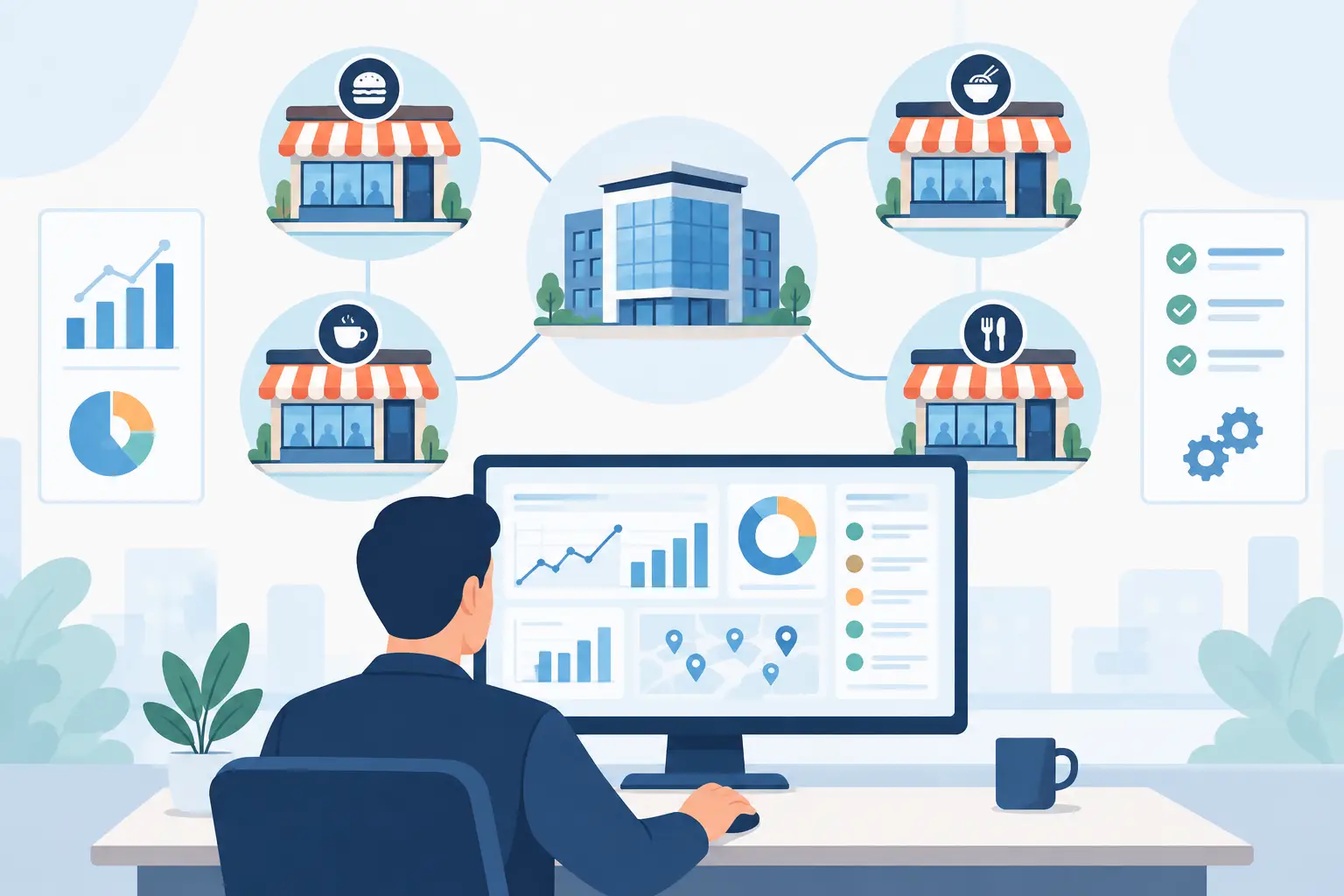
A solid system shifts the focus from "after-the-fact" bookkeeping to daily management. Front-line staff can log deliveries and waste via mobile; procurement teams can issue orders based on set prices and approval rules; and management can monitor spending, inventory, and menu costs from a single dashboard. Everyone does their job, but they all speak the same data language.
From OCR to Actionable Data: Making Every Receipt Count
The biggest pushback when adopting new software isn’t a lack of appreciation for the data—it’s the fear that staff will have to spend hours typing in data. If every invoice and receipt requires manual entry, your system will quickly become just another tedious administrative chore.
This is where automated data capture becomes a game-changer. Through AI-driven OCR (Optical Character Recognition) and verification, systems can turn supplier names, items, quantities, prices, and tax data into structured information instantly. Even for handwritten notes, if the recognition is reliable, that data can feed directly into your procurement records rather than getting lost in a photo album or a physical folder.
Take Costflows, for example: by combining AI-powered receipt capture with human-in-the-loop verification, we achieve 99.8% accuracy, even with handwritten or multilingual invoices. The point isn’t just how fast you can scan a receipt; it’s that once the scan is done, the data is immediately ready for cost analysis, accounts payable, supplier comparison, and inventory tracking.
Transparency Through Integrated Workflows
Procurement costs aren't just about the price on the tag; they’re about process discipline. If every manager, chef, and buyer orders independently, you lose the ability to negotiate volume discounts or enforce preferred supplier lists. On the flip side, over-centralization can bottleneck the kitchen.
A practical approach is to set permissions and multi-level approvals based on your restaurant's scale. Routine replenishments can be requested by the floor using a predefined product list; however, off-budget or large-scale orders can be flagged for manager approval. Once confirmed, orders can be dispatched via WhatsApp, email, or fax, maintaining a complete history of the transaction.
Receiving is equally critical. Front-line staff should verify weight, quality, and price on their phones at the moment of delivery, immediately flagging any discrepancies. This creates a reliable audit trail between the purchase order, the delivery note, and the invoice, meaning accounting doesn't have to chase down missing information at the end of the month.
Spotting Price Anomalies in Real-Time
Supplier price hikes are a fact of life, but finding out about them weeks later is a choice. Food prices fluctuate based on season and supply chain issues. Your system should track these changes against historical data, alerting you the moment a price drifts outside of your pre-set range.
Inventory and Waste: The Key to "Theoretical" vs. "Actual" Costs
If you track procurement but ignore inventory, you’ll never know if the food you bought actually turned into sales. Stock counts, inter-store transfers, central kitchen shipments, staff meals, and waste management are all vital links in the chain. If one is missing, your theoretical cost will never match reality.
Mobile-based inventory counts allow staff to track data right where it happens. By categorizing waste—whether it’s due to expiration, quality issues, or prep errors—managers can quickly identify if the problem is over-ordering, poor storage conditions, or a flaw in the cooking process.
Connecting Data to Menu Costs and Daily P&L
At the end of the day, it’s all about the margin. Recipe costs shouldn't be a one-time calculation done only when you open or update your menu. By breaking down every dish into specific ingredients and usage, and linking that to your latest purchase prices and POS sales data, you can track your actual margins in real-time.
This helps managers solve two very different problems: First, if a dish has low margins because of ingredient cost spikes, you might need to adjust the price. Second, if the dish should be profitable but isn't, you might have issues with portion control, theft, or hidden waste.
By integrating your POS and accounting software, you can generate daily P&L reports. While this doesn't replace formal financial statements, it gives your team the insight needed to make confident decisions about procurement, pricing, and scheduling every single day.
Frequently Asked Questions (Q&A)
Q1: Why is a dedicated procurement system better than Excel for restaurants?
A: Excel is static and prone to manual error. A procurement system integrates orders, receiving, inventory, and accounting into one ecosystem, allowing you to catch cost spikes and inventory gaps as they happen, rather than weeks later.
Q2: How do you get busy kitchen staff to actually use the system?
A: The secret is reducing friction through AI. With automated OCR capture, staff simply take a photo of the receipt. The system handles the heavy lifting of data entry, making it faster and more accurate than any manual spreadsheet.
Q3: How exactly does a procurement system help boost profit margins?
A: By connecting real-time purchase prices with POS sales data, the system automatically calculates your actual food costs versus your theoretical margins. When costs drift or waste spikes, the system alerts you immediately, letting you take corrective action before your profits vanish.
.png)

訂閱最新消息
不要錯過任何餐飲的資訊