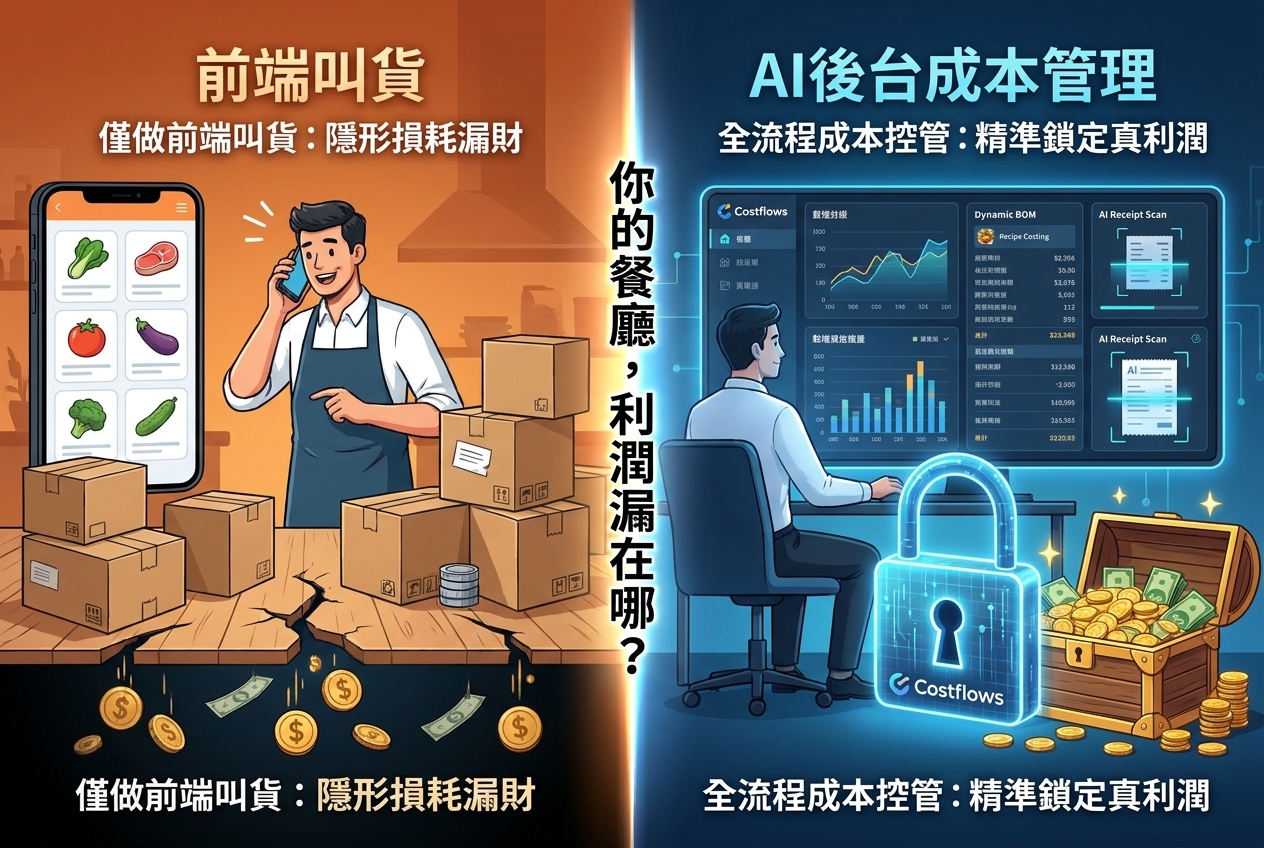
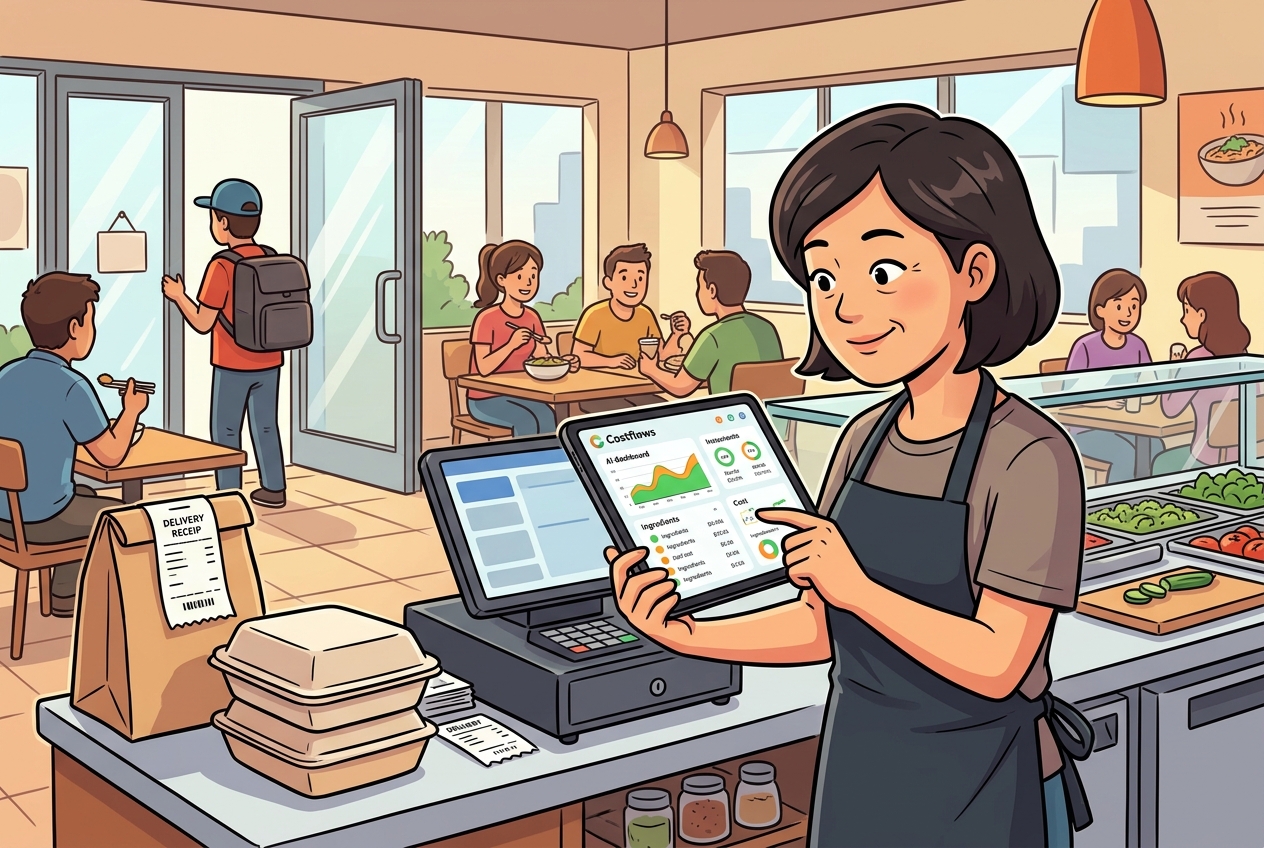
Picture this: You sell 80 orders of your signature Char Siu Rice during a busy lunch rush. Your POS logs every transaction and automatically deducts the ingredients from your system. On paper, everything looks clean. But when month-end inventory rolls around, your physical stock of pork, sauces, and takeout containers tells a completely different story.
This is the #1 trap operators fall into when comparing POS depletion with a dedicated restaurant inventory management system. One tracks theoretical usage based on sales; the other tracks real-world inventory and actual cost truth.
POS deductions aren't useless—far from it. They give you great real-time sales insights. But if you rely on your POS as your sole inventory manager, supplier price hikes, short deliveries, kitchen prep waste, spillage, staff meals, inter-store transfers, and recipe portion variations remain completely invisible. The result? Great-looking digital reports, but bleeding profit margins.
POS Depletion vs. Inventory Systems: Different Tools for Different Jobs
POS systems exist to record transactions. When a customer orders a meal, the POS checks your recipe build and deducts beef, rice, and sauce in theory. This is awesome for forecasting prep, spotting menu bestsellers, and tracking daily sales—especially for quick-service restaurants or single locations with fixed recipes.
An F&B inventory system, on the other hand, tracks goods from the moment they hit your back door. When suppliers deliver, your team inputs actual quantities, unit prices, specs, and invoice details. From there, it tracks how stock moves through the warehouse, kitchen, prep stations, or central kitchen—and accounts for every drop due to sales, staff meals, recipe testing, spoilage, or binning. It connects physical movement directly to purchase costs, vendors, department accountability, and stocktake results.
Simply put: Your POS answers "What should we have used in theory?" Your inventory system answers "What did we actually buy, receive, use, and lose—and why is there a gap?" Looking at only one side leaves huge blind spots in your cost control.
Why POS Deductions Rarely Match Physical Stock
First, recipe settings are just educated guesses. A chef heavy-handing a sauce, higher prep trim loss than standard, or custom guest requests—your POS has no way of knowing this. If 1 kg of chicken breast is supposed to yield 10 portions, but your prep cook only gets 8, your POS will still deduct as if you got 10. That missing chicken only surfaces at the end of the month as a mystery inventory variance.
Second, purchasing prices constantly shift. POS systems calculate theoretical costs using fixed rates. They won't alert you when a supplier quietly hikes prices by 12%, nor do they track price variations across different vendors or packaging sizes. If egg, oil, or seafood prices swing wildly, your menu margins erode silently without a single red flag.
Finally, tons of inventory moves without passing through a POS screen. Fresh produce spoiling during prep, broken wine bottles, expired stock, stock loans between branches, central kitchen dispatches, and staff meals. Relying solely on sales deductions means tracking these manually on messy Excel spreadsheets—leading to delayed data, lost accountability, and untraceable leaks.
How a Dedicated Inventory System Protects Your Margins
Effective F&B cost control isn't about building fancy once-a-month reports—it's about making purchasing, receiving, counting, and waste tracking effortless daily habits. When your team places a purchase order, prices and approvals should be logged upfront. Upon delivery, quantities and invoices are checked. When the kitchen preps, bins, or transfers stock, it gets logged instantly on a mobile phone. Real-time data gives management a chance to catch leaks on the day they happen.
Stocktakes are your reality check. You don't need to count every item every day, but high-value, perishable, or volatile items—like premium meats, seafood, alcohol, and imported goods—deserve high-frequency spot checks. By comparing actual physical counts against end-of-period theoretical stock, the system pinpoints variances: Was it a recipe discrepancy, an unrecorded delivery, unlogged waste, or theft?
A truly useful report doesn't just tell you your food cost was 32% last month. It tells you which branch is over-using beef, which supplier keeps raising prices, which dish is losing margin despite steady sales, and where waste is spiking. That's actionable data you can use to tweak menus, adjust portions, renegotiate prices, or fix prep routines.
Recipes: The Shared Language Between POS and Inventory
For POS depletion to be useful, your recipe data must be razor-sharp. A recipe shouldn't just list "1 portion of chicken"—it needs to define buying units, yield percentages, portion sizes, ingredient weights, and prep waste. For instance, if chicken thighs are bought by the kg but deboned before cooking, your system must calculate the raw-to-cooked conversion rate, or your theoretical cost is flawed from day one.
Whenever purchase prices change, recipe costs should recalculate automatically against menu prices. If a bowl of ramen's ingredient cost jumps from $3.50 to $4.25, you can immediately decide whether to adjust menu prices, switch suppliers, tweak portioning, or push higher-margin items. Waiting until month-end accounting means leaving money on the table for weeks.
Is POS Depletion Ever Enough on Its Own?
If you run a small kiosk or coffee shop with a tiny menu, few ingredients, and stable supplier pricing, POS depletion can be a decent starter tool. Assuming the owner personally receives goods, the kitchen team is consistent, recipes are standardized, and you do weekly manual stock counts, this lightweight approach keeps overhead low.
However, as soon as you add multiple buyers, multiple storage areas, inter-store transfers, a larger supplier base, or high-value fresh ingredients, relying strictly on POS deductions becomes a gamble. For multi-unit brands and central kitchens, goods don't always tie directly to a front-of-house sale. Without transfer and consumption logs, headquarters can't tell if a branch is inefficient or if central prep costs are misallocated.
The smartest approach isn't choosing one over the other—it's connecting them. Let your POS handle front-of-house theoretical sales, let your inventory system manage purchasing, actual stock, and non-sales movement, and run variance reports between the two. When numbers don't add up, your team knows exactly where to look.
What Your Team Gains After Integration
Without integration, operations are chaotic: floor managers export POS sales, buyers manually track WhatsApp orders, accountants type in paper invoices line by line, and chefs write waste on paper clipboards. Everyone does a bit of work, but disconnected data leads to end-of-month accounting headaches.
With an integrated ecosystem, POS sales auto-feed theoretical usage, purchase orders and delivery notes captured via AI instantly turn into clean data, and staff log stock counts, waste, and transfers straight from their smartphones. With tools like Costflows, management can track daily estimated P&L right down to an individual ingredient's price shift—no more waiting weeks for accountant reports.
You don't need to digitize every single spice on day one. Start with your top 20–30 high-cost, high-variance ingredients. Establish accurate units, yield recipes, and regular counting habits. Once your team sees how variance reports spot real problems, rollout across other categories and locations becomes smooth and painless.
Protecting restaurant margins isn't about making POS deductions faster—it's about making every purchase, usage, and waste event fully trackable. Next time your inventory doesn't match your books, ask yourself: Is this a sales issue, or is your operational workflow missing data? Fix the workflow, and profits will follow.
Frequently Asked Questions (FAQ)
Q1: What is the main difference between POS depletion and a restaurant inventory management system?
A1: POS depletion calculates theoretical usage based on sales orders and static recipes. A dedicated inventory system tracks real physical movement, including supplier price hikes, receiving errors, kitchen prep waste, unlogged spoilage, staff meals, and inter-store transfers. Combining both gives you true theoretical vs. actual variance analysis.
Q2: Why doesn't my physical stock match POS inventory even with accurate recipe builds?
A2: POS systems can't track real-world operational realities like prep yield variations, kitchen portioning errors, supplier price changes, spoiled produce, comps, or unrecorded staff meals. These non-sale inventory movements happen completely outside your POS.
Q3: How do I know if my restaurant needs a dedicated inventory management system?
A3: If you operate a single location with a simple menu and stable costs, POS depletion with manual weekly counts might suffice. But if you manage multiple locations, a central kitchen, volatile fresh ingredients, or multiple suppliers, an AI-powered cloud platform like Costflows—integrated with your POS and accounting software—is essential to protect your margins.
.png)

訂閱最新消息
不要錯過任何餐飲的資訊