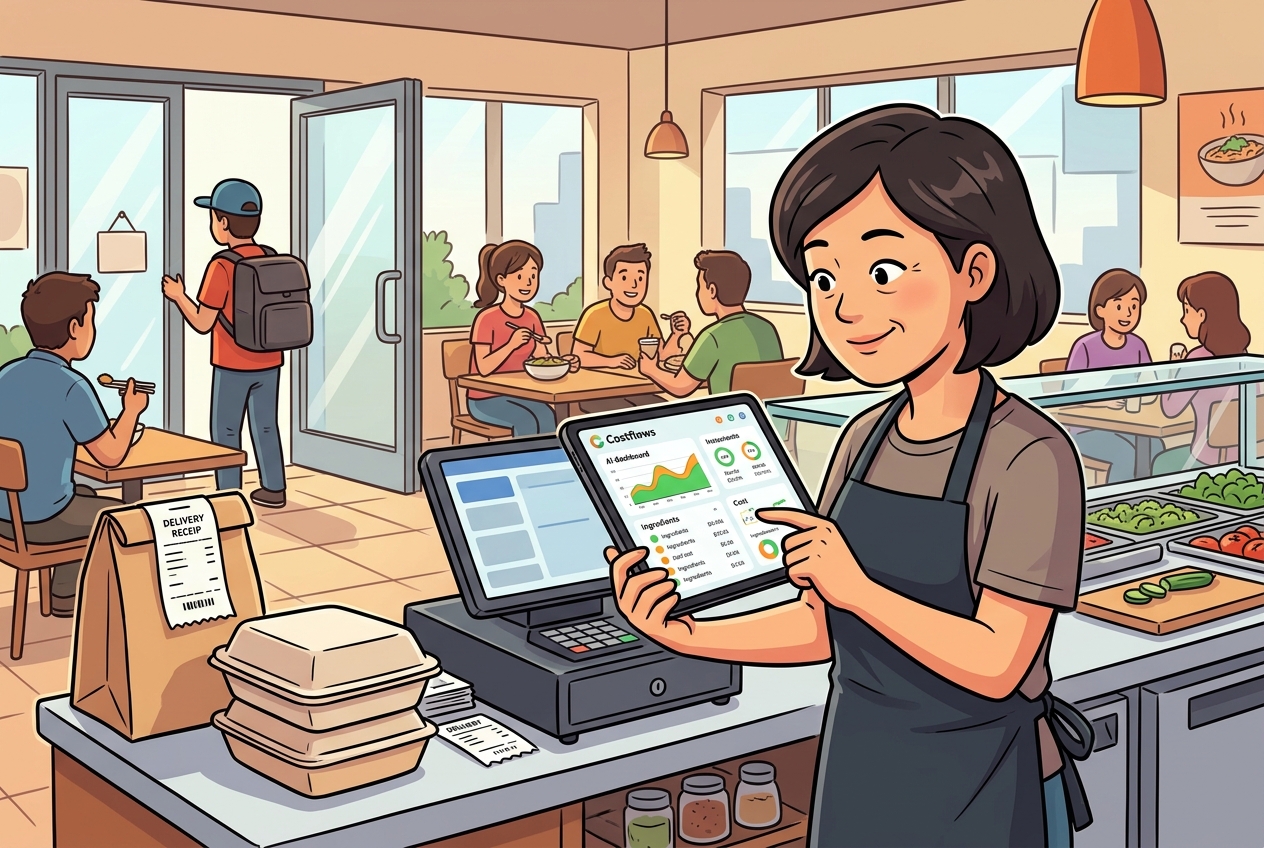
When month-end arrives, many restaurant managers don’t just fear the busy shifts; they fear the piles of mismatched inventory sheets. The front-of-house staff writes one version, the kitchen jots down another, procurement has their own records, and finally, accounting has to manually type everything into Excel. The debate over "Restaurant Inventory App vs. Paper" isn’t just about how you record numbers—it’s about whether your entire restaurant can instantly track ingredient costs, waste, restocking rhythms, and team accountability.
For many F&B teams, paper processes aren't entirely useless; they just don't scale. If you run a single store with a small menu and a highly stable team, paper can still scrape by. But once you introduce multiple shifts, different storage areas, multiple branches, or a central commissary kitchen, paper quickly creates massive information gaps. The problem isn't that you can't count your stock; it's that once the counting is done, the data rarely translates into actionable management decisions.
The Core Difference Isn't Just Speed
A common misconception is that an app is just a faster piece of paper. That view is too conservative. The real difference is that paper only records a static end result, whereas an inventory app directly connects your counting process to procurement, usage, waste, stock transfers, and profit analysis.
The pros of a paper system are obvious: it’s cheap, intuitive, and requires zero training. Even a temp worker can grab a clipboard and start counting. If your restaurant has a low SKU count, does inventory infrequently, and management is willing to spend hours organizing the data afterward, paper might still have a place.
However, the biggest cost of paper isn't the paper itself—it's the aftermath. Illegible handwriting, incorrect units, missing timestamps, and repetitive data entry are everyday headaches. Worse, if you want to know why a specific ingredient’s usage unexpectedly spiked by 8% last week, paper usually can't give you the answer. You’re left flipping through piles of old sheets.
The true value of an app lies in standardization. Every count is logged using the same item profile, the same unit of measurement, the same storage location, and an exact timestamp. Once the data enters the system, it instantly compares theoretical stock against actual stock. When a variance occurs, management doesn't have to wait until month-end to find out—they can investigate the root cause on the very same day.
Why Paper Processes Distort Your Food Costs
The most dangerous thing in restaurant management isn’t having high food costs; it’s falsely believing your food costs are normal. Paper processes easily create this illusion because they only leave behind static results without any traceable workflow.
For example, imagine a box of chicken wings. Purchasing logs it by the "box," the kitchen tracks usage by the "kg," and the inventory team counts it by the "bag." Nobody intentionally made a mistake, but without institutionalized units of measurement, your financial reports will absolutely be distorted. Or consider a night shift that forgets to log a restock: the morning shift assumes the data is accurate, double-orders the item, and you end up with either dead stock or eaten margins.
Paper also creates a massive accountability issue. Who counted it? When was it counted? Was it edited? Did anyone double-check the anomaly? Paper leaves no clear audit trail. When shortages, expired goods, or high waste occur, teams usually rely on memory to patch things up, rather than fixing the actual workflow.
This is exactly why many restaurants appear to do inventory on paper, but have zero actual stock management. The inventory is just done for month-end bookkeeping, completely failing to support daily operational decisions.
When Do You Truly Need an Inventory App?
If your restaurant is experiencing any of the following, an app is no longer a "nice-to-have"—it's a necessity.
First, you have multiple locations and management needs remote data visibility. Second, your data between purchasing, the kitchen, the front-of-house, and accounting rarely matches up. Third, supplier prices fluctuate rapidly, and you need to immediately spot which item's cost is abnormal. Fourth, you want your inventory results to directly drive restocking, waste analysis, and menu margin adjustments, rather than just sitting in a file cabinet.
Another major benefit of an app is that the frontline and back-office finally speak the same data language. Staff input counts on their phones, managers see variances in real-time, procurement places orders based on actual stock levels, and accountants don't have to wait to collect paper sheets. Once the workflow is connected, inventory stops being an isolated chore and becomes the heart of your cost control.
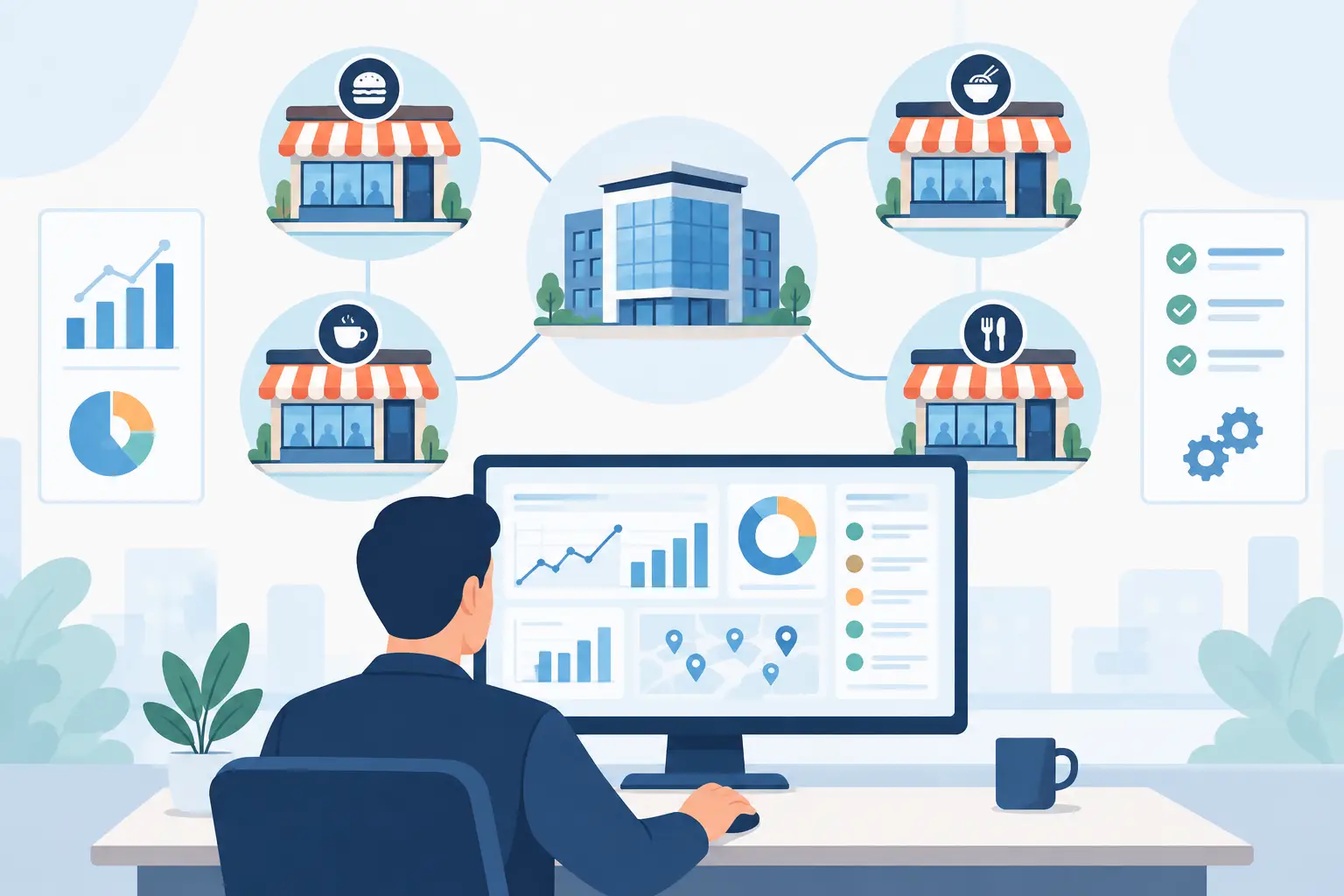
For business models operating a central commissary kitchen, this is even more critical. You aren't just counting "what's left"; you need to know "where it was transferred, where it was consumed, and which branch has the largest variance." Paper processes are almost guaranteed to cause delays here because they inherently lack cross-location collaboration.
Paper Isn't Useless, But It Has a Clear Ceiling
Realistically, not every single restaurant needs to digitize on day one. If you are a single location with a simple menu, fixed suppliers, and an owner who is on-site every day, paper is feasible in the short term. In the early days of a startup, your priority is stabilizing food quality, table turnover, and cash flow, rather than implementing a massive tech system.
But the ceiling of a paper process is incredibly clear. The moment your staff changes, the workflow breaks down. When your data volume increases, error rates skyrocket. When you start demanding granular analysis—like theoretical vs. actual cost comparisons, supplier price tracking, or branch-to-branch waste differences—paper simply collapses.
In short, paper answers the question: "Did we record it?" But it completely fails to answer: "Can we manage it?" In the F&B industry, lost profits usually don't happen because you didn't know—they happen because you found out too late.
From Inventory to Procurement: The Real ROI of an App
When evaluating tech systems, many managers only calculate the manual labor hours saved. However, the true Return on Investment (ROI) usually comes from three entirely different areas.
First, reducing ordering errors and duplicate restocking. When stock data is updated in real-time, procurement stops ordering based on "gut feeling," and safety stock levels become highly accurate. This directly frees up cash flow and minimizes spoilage risks.
Second, faster detection of abnormal usage. If a high-value ingredient shows a massive variance for three days straight, you can immediately investigate whether it’s inconsistent portioning, increased waste, or unrecorded spoilage. This is infinitely more valuable than looking at a month-end report, because you actually have time to fix it.
Third, total data traceability. Who counted it, when they counted it, what was changed, and which supplier hiked their prices—the system logs it all. You start managing by a robust system, not by constantly chasing your staff.
If you take it a step further and connect inventory, purchasing, automated invoice capture, menu costing, and POS sales, management no longer looks at isolated numbers; they see the entire cost lifecycle. For AI platforms built specifically for restaurant operations like Costflows, the true value lies in institutionalizing the most time-consuming data entry and reconciliation tasks, ensuring inventory results flow directly into actionable analysis.
How to Decide if You Should Make the Switch
The key indicator isn't just how "busy" you are; it's whether constant errors are quietly eating your gross profit. If your team spends hours every week doing manual data entry, cross-checking invoices, or if someone always says "this number is probably close enough" during inventory—you are already paying a massive hidden cost.
Another deciding factor is your need for speed in decision-making. When a supplier raises prices, a popular dish's cost spikes, or a specific branch shows weird waste levels, waiting until month-end accounting to see the damage is simply too late. The value of an app isn't turning paper into a screen; it's turning data into instant management power.
Of course, onboarding requires groundwork. Item masters, unit conversions, storage locations, and user permissions must be organized first. This is exactly why some restaurants fail at tech adoption—it’s not a bad tool, it’s a lack of standardized workflow. The most effective approach isn't to rip and replace everything overnight. Start by digitizing items with the highest waste, high-frequency purchasing, or the ones that most frequently have mismatched counts, and build team discipline from there.
The Goal Isn't Digitalization; It's Execution
Choosing between a Restaurant Inventory App and a Paper Process isn't just about picking a tool; it's about choosing your management style. Do you just want a convenient interface to jot down numbers, or do you want a workflow that forces your frontline, purchasing, kitchen, and finance teams to speak the exact same data language?
A true solution designed for the high-pressure F&B environment shouldn't force your team to do extra work. It should take the counting, ordering, reconciling, and cost analysis you are already doing, and place it into a traceable, quantifiable, and executable automated flow. When every inventory count rapidly translates into smarter purchasing, waste tracking, and margin optimization, you’ll realize you didn't just save time—you saved the profit margins that used to silently drain away every single day.
If you are still using paper, you don't need to completely reject your past methods right now. Just ask yourself one practical question: After your next inventory count, will the data in your hands instantly help you make a better operational decision? The answer to that question matters far more than the format itself.
.png)

訂閱最新消息
不要錯過任何餐飲的資訊