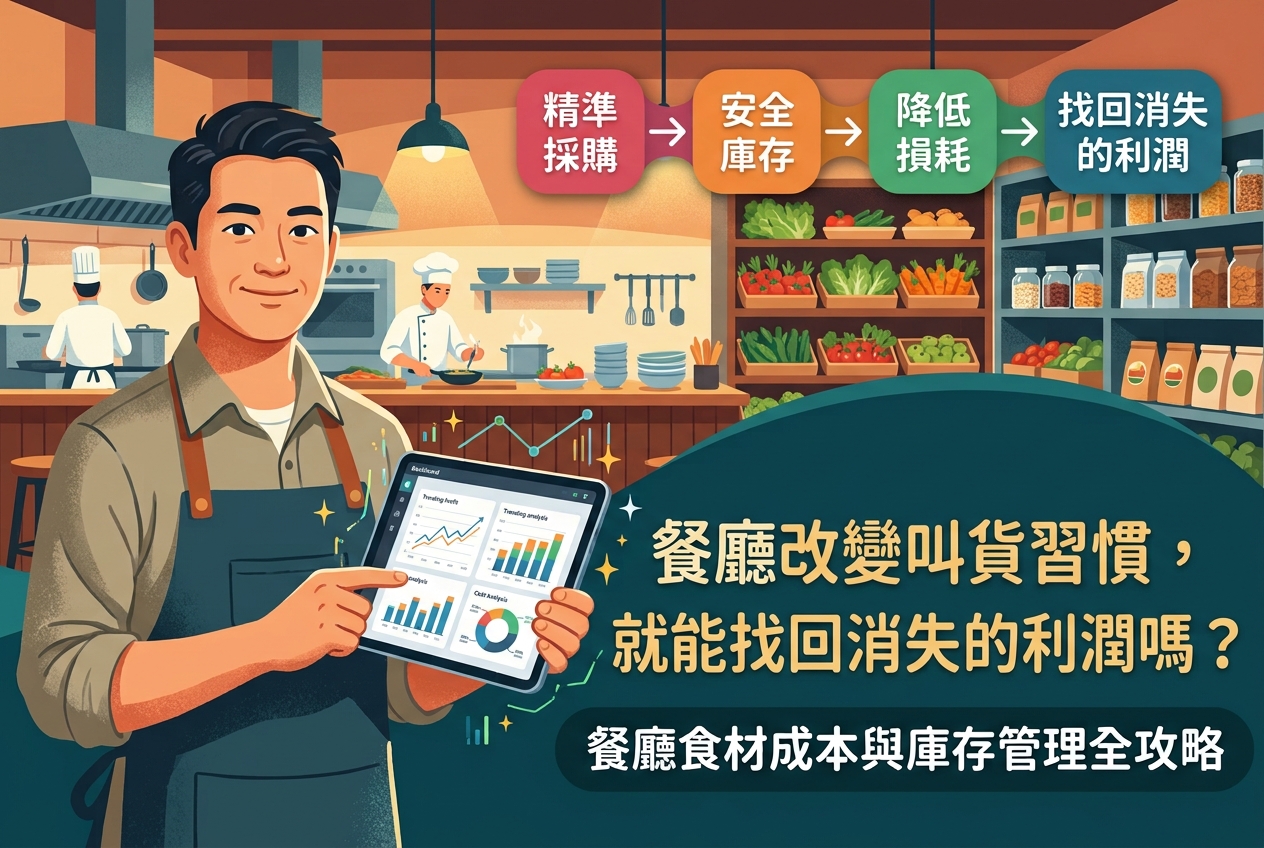
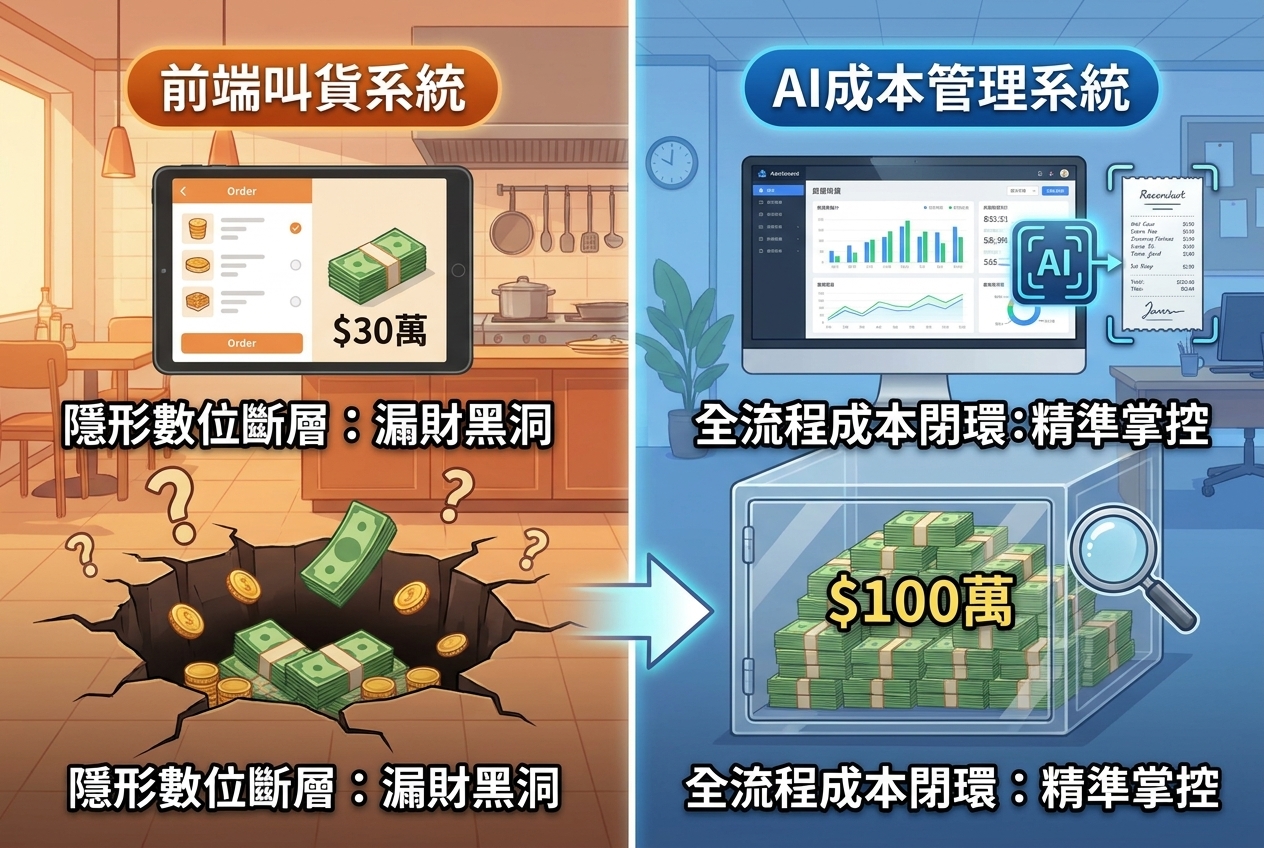
Your front-of-house (FOH) POS rings up a bowl of beef noodles, yet your back-of-house (BOH) inventory doesn’t budge. Meanwhile, your line cooks are portioning ingredients by hand, your purchasing team is firing off supplier orders via WhatsApp or LINE, accounting only gets a stack of crumpled paper invoices at the end of the month, and your manager is pulling all-nighters typing numbers into Excel.
This broken workflow is the exact trap restaurant operators need to avoid when comparing POS inventory integration solutions.
In today’s climate of food inflation and labor shortages, choosing the wrong integration costs way more than a monthly software subscription. When inventory deductions are off, your recipe costing (Food Cost) becomes a guessing game. When supplier invoices aren’t logged in real time, price hikes sneak right past you. And if you only count stock once a month, waste, short deliveries, and operational leaks have already had weeks to quietly eat away at your profit margins.
True POS inventory integration isn’t just about "connecting" two apps on paper. It’s about ensuring every single sale, delivery, transfer, waste log, and stocktake flows into one traceable source of cost data.
Why Your POS System Alone Can’t Handle Restaurant Inventory
Many restaurant owners ask: "My POS already has an inventory tab—why are the numbers never right?"
The short answer? Restaurants aren’t retail stores. You aren't just buying a finished product and scanning it out at the register. You are essentially running a mini-manufacturing plant that involves breaking down raw ingredients, prepping, cooking, and dealing with inevitable waste. Relying solely on a basic POS creates four major blind spots:
- The Gap Between Recipes (BOM) and Real Kitchen Life:
When a customer orders Hainanese Chicken Rice, your system shouldn't just deduct "1 Hainanese Chicken Rice." It needs to break down the Bill of Materials (BOM)—deducting exact amounts of chicken, rice, sauces, and takeout packaging. On top of that, when customers ask for "extra spicy, swap the side, less rice," or when busy cooks eyeball portions during the dinner rush, or when raw meat loses 30% of its weight after trimming fat and bone (Yield Rate), basic POS inventory features simply can’t keep up. - The Unit Conversion Nightmare:
You buy from suppliers in cases, buckets, and pounds, prep in the kitchen by pieces, milliliters, and grams, and produce in a central kitchen by kilograms. Without flexible, multi-unit conversion, your on-hand numbers will always be a mess. - Fluctuating Supplier Prices and Disconnected Costs:
Your POS knows what you sold, but it has no clue how much you paid for the ingredients this week. Produce and seafood prices change constantly. If delivery invoices aren’t digitized immediately, your system can’t calculate true gross margins using FIFO (First-In, First-Out) or rolling averages. - The Black Hole Between "Theoretical" and "Actual" Usage:
POS sales data only tells you what you should have used (Theoretical Usage). It doesn't see spoiled produce in the walk-in cooler, remade dishes, staff meals, inter-store transfers, or batch-prepping raw ingredients into house-made sauces.
Comparing POS Inventory Integrations: 5 Operational Keys That Matter More Than a Feature List
Plenty of POS systems let you export a daily sales CSV so someone in the office can manually upload it into an inventory tool. Let’s be honest: that’s just manual data moving, and it’s prone to delays and human error.
When evaluating restaurant management systems, look past the flashy dashboards and ask vendors these 5 operational questions:
Rollout Strategy: How to Implement Without Driving Your Staff Crazy
Even the smartest software will fail if you force your kitchen staff to weigh every gram of salt and green onion on Day One. At Costflows, we recommend a phased, "80/20 Rule (ABC Analysis)" rollout based on your restaurant's size:
1. Independent & Single-Unit Restaurants: Nail "Receiving" and "Core Counts" First
If your biggest headache right now is paper invoices lost in chat groups, skip the complex analytics for a moment. Start by having your team snap photos of delivery dockets on their phones, clean up your supplier and ingredient master list, and run weekly counts on high-value items. Once that’s solid, turn on the POS sales sync.
2. Multi-Unit Chains & Central Kitchens: Standardize Master Data & Transfers
Headquarters needs to lock down a unified item master list, standardized recipes, supplier pricing, and approval workflows first. You don't want Store A calling an item "Beef Shortplate" while Store B calls it "Sliced Beef." You also need clear rules for how prep yields and costs transfer from the commissary kitchen to individual storefronts so profits aren't distorted.
3. The Golden Rule Before Going Live: Validate with "One High-Value Category"
Never launch all ingredients, all menus, and all locations at the exact same time—that just dumps old, messy data into a brand-new system.
- Step 1 (Pick Class-A Items): Choose one category that you buy frequently, has volatile pricing, and is easy to track—like beef, poultry, seafood, or alcohol. Set up the unit conversions, recipe links, and counting schedules. (Leave cheap Class-C items like basic spices on a simple visual par-level system).
- Step 2 (Check the Variance): Run it for 2 to 4 weeks, then compare the system’s POS Theoretical Usage against your Actual Mobile Stocktake.
- Step 3 (Plug the Leaks & Scale): Dig into the discrepancy. Were you shorted at the back door? Are cooks over-portioning? Did someone forget to log spoiled stock, or is the recipe card outdated? Once this single data loop is proven and tight, replicate it across the rest of your menu and locations.
How Costflows Bridges the Gap Between POS Sales and True Food Cost
For restaurants tired of drowning in spreadsheets, the goal isn't to buy another piece of software—it’s to turn scattered daily chores into one automated workflow.
Costflows connects your POS sales, supplier invoices, inventory movements, and recipe costs into a single, real-time data chain:
- Frictionless Mobile Workflows for Staff: Kitchen and floor staff use their smartphones to snap delivery invoices, breeze through stocktakes, log waste, and place supplier orders—slashing human data-entry errors.
- AI-Powered Back Office: Our high-accuracy AI invoice capture reads messy handwritten notes and varied supplier formats, pairing with quick exception-checking workflows to turn paper receipts into clean cost data in seconds.
- Real-Time Margin Protection: By automatically matching POS theoretical usage against actual counts—and dynamically updating recipe costs whenever supplier prices shift—Costflows gives operators daily visibility to protect their bottom line before margins get 86’d.
Frequently Asked Questions (FAQ): Restaurant POS Inventory & Cost Management


訂閱最新消息
不要錯過任何餐飲的資訊