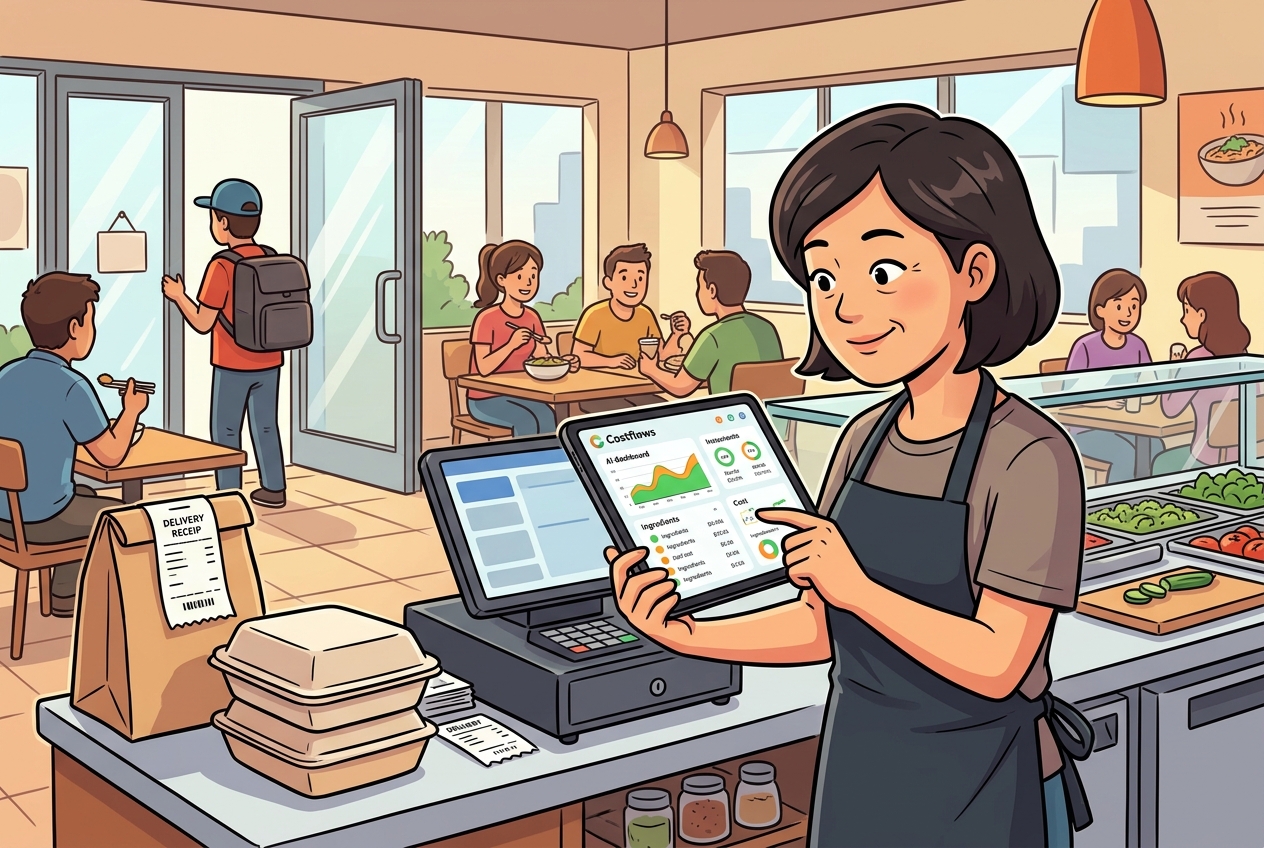
In the day-to-day grind of running a restaurant, purchasing, receiving reconciliation, and cost calculation take up a massive amount of time for both owners and back-of-house (BOH) teams. Relying on traditional methods—like sending messages via LINE or WhatsApp, cross-checking stacks of paper delivery slips, and manually keying numbers into Excel—is not only inefficient, but also leaves you vulnerable to missed orders, mistaken items, and stealthy supplier price hikes that go unnoticed.
To solve these pain points once and for all, various digital tools have entered the market. CocoMart and Costflows are two popular systems that restaurant brands frequently evaluate when undergoing digital transformation.
While both aim to streamline F&B purchasing and accounting workflows, they differ fundamentally in their core positioning, problem-solving approach, and technological strategy. Which system can truly help your restaurant boost operational efficiency and protect profit margins? Let’s break it down in detail.
⚡ Quick 1-Minute Summary: How Should You Choose?
- Choose CocoMart if: You have a relatively straightforward operation (like a small single-location spot) where the main goal is simply to replace traditional LINE/phone orders, you have very few suppliers, and every single supplier is 100% onboard to download and use their app to send and accept orders online.
- Choose Costflows if: You are a growing brand or multi-unit operator focused on strict gross margin control. Your suppliers prefer paper slips, handwritten notes, or WhatsApp images and refuse to change their habits. Costflows uses a mobile app powered by AI OCR technology—your BOH team just snaps a photo to log inventory effortlessly. Plus, it seamlessly connects your POS and accounting systems to create an automated P&L and cost management brain for your business.
🤝 1. The Shared Mission: Goodbye Manual Reconciliation & Paper Chaos
Before diving into the differences, both CocoMart and Costflows deserve credit for driving digital transformation in the F&B industry. They share several key advantages:
- Eliminating Traditional Pain Points: Both platforms eliminate the chaotic routine of scattered chat messages, piling paper receipts, and error-prone manual Excel data entry.
- Data Structuring & Workflow Digitization: They convert purchasing, receiving, reconciliation, and invoicing into structured digital data, letting store managers, BOH staff, and accountants work off a single source of truth.
- Multi-Store Support: Both can help single stores or chain operators manage purchasing records across multiple locations.
🔍 2. Deep Dive: Core Positioning & Workflows
Despite having similar goals, the two systems differ significantly in product depth and how they solve underlying problems:
1. Supplier Onboarding Threshold: Two-Sided Platform vs. Zero-Friction AI Recognition
- CocoMart (Two-Sided Ordering Platform): Its value depends heavily on whether your suppliers are willing to join the platform. If suppliers register and download the app, communication is smooth. However, if traditional vendors (like local fresh markets or meat wholesalers) refuse to switch, your restaurant ends up running a confusing hybrid system: app orders for some, paper/WhatsApp for others.
- Costflows (Zero-Friction AI Cost Management): Takes a completely frictionless approach. You don’t need to force a single supplier to change how they work. Whether a supplier hands you a paper receipt, a handwritten slip, a WhatsApp photo, or a PDF invoice, your kitchen staff or store manager simply opens the Costflows app and snaps a photo. The AI extracts the items, quantities, and totals in seconds to complete inventory intake, removing operational friction entirely.
2. Data Depth: Transactional Chat vs. End-to-End Inventory & P&L Loop
- CocoMart (Focused on Procurement & Ordering): Resolves two-way communication regarding what the restaurant bought and what the supplier delivered. However, the data stops at the "procurement" stage. It doesn't know what your front-of-house (FOH) POS actually sold. To calculate actual Food Cost at the end of the month, you still have to manually export Excel sheets and cross-check POS sales data.
- Costflows (Connecting Purchasing, Sales & Finance): Costflows tracks incoming goods and integrates directly with FOH POS sales data and recipe costing. The system automatically compares Theoretical Usage vs. Actual Inventory to track variance/wastage. Using sound accounting logic (e.g., rolling monthly weighted average cost), it automatically handles returns, late entries, and outputs real-time store and item-level P&L statements.
3. Financial Reconciliation & Auditing: Order Invoicing vs. Automated 3-Way Matching & Price Hike Alerts
- CocoMart: Provides online invoicing and delivery reconciliation lists, allowing buyers and sellers to verify purchasing amounts digitally.
- Costflows: Delivers enterprise-grade Automated 3-Way Matching that continuously cross-references Purchase Orders (POs), Receiving Slips, and Supplier Invoices. It also features Price Anomaly Alerts—if a supplier silently raises a unit price without notifying you, Costflows alerts you immediately to protect your bottom line. Finally, reconciled vouchers sync automatically with accounting software like Xero and QuickBooks.
🎯 4. Summary: Which System Is Best for Your Restaurant?
💡 Choose CocoMart if:
- You run a simple, single-location restaurant.
- Your primary need is finding a convenient app to send order messages instead of using LINE.
- You work with a small number of suppliers who are all willing to download a dedicated app.
- You don't currently need real-time store P&L statements, POS sales deduction, or recipe margin tracking.
🚀 Choose Costflows if:
- You care deeply about gross margins, operate multiple locations, or are scaling rapidly.
- Your suppliers include traditional vendors who won't use a new ordering app, and you need a "zero-friction" AI photo-intake solution.
- You want to track real Food Cost, recipe profitability, and cross-store inventory variance anytime from your phone or PC.
- You want to bridge purchasing, POS sales, and accounting data so that inventory, sales, and finances sync automatically—saying goodbye to month-end manual Excel headaches.
💡 Pro-Tip (Using Both Together):
The two systems aren't mutually exclusive! Some restaurants use CocoMart on the front end to place orders with participating suppliers, while using Costflows in the back end for AI receipt auditing, POS sales deductions, recipe costing, 3-way matching, and daily P&L analysis. This combination offers complete operational digitization.
🎁 Ready to Upgrade Your Restaurant's Financial Brain?
Digital transformation shouldn't require forcing your suppliers to change, nor should it require tedious manual setups!
Take the first step toward precise F&B management today:
👉 [Sign up for Costflows for Free] (No credit card required)
Get 15 free AI document scans every month. Pair it with our dedicated mobile app to snap photos, digitize invoices in seconds, and take complete control of your profit margins!
.png)

訂閱最新消息
不要錯過任何餐飲的資訊