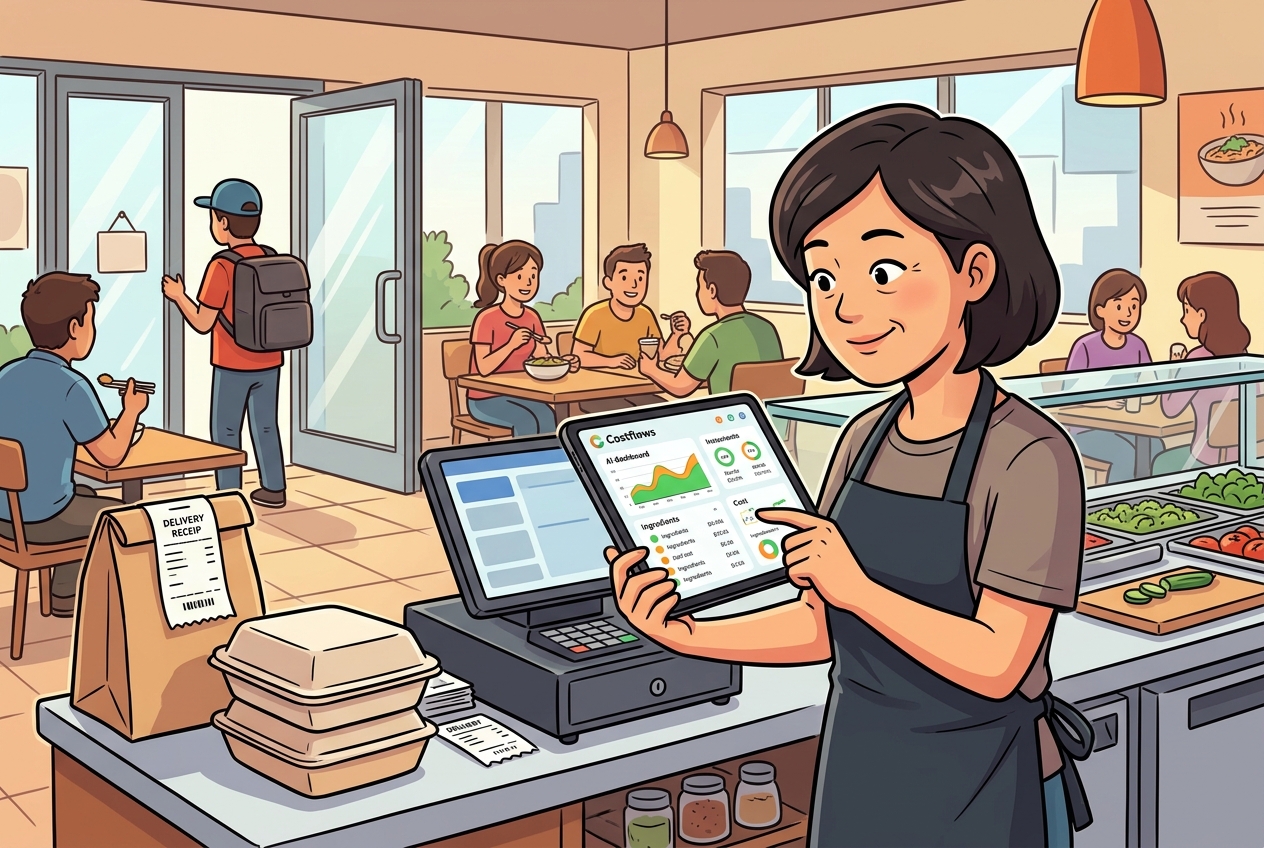
Expanding a restaurant brand from 1 to 3 locations is an exciting milestone. But once you cross the 5-store mark—and start eyeing double digits—management gets exponentially more complex.
If you’ve hit this stage, you might be noticing a frustrating trend: revenue is growing, but profit margins are shrinking. Ingredients go missing, different store managers buy the same items at different prices, and month-end accounting feels like an endless headache.
When this happens, the problem usually isn't your food or your team—it's your tools. You’ve outgrown a basic ordering tool and need an enterprise-grade chain management workflow.
In this article, we’ll break down the differences between popular ordering tools like CocoMart and enterprise solutions like Costflows, helping you figure out which tool fits your current stage of growth.
Single-Store Ordering vs. Chain HQ Management: What’s the Difference?
As your restaurant brand grows, your operational needs shift dramatically:
- 1 to 3 Stores (The Starter Phase): Your main goal is speed and simplicity. You just need store managers to place orders quickly without texting or calling suppliers.
- 5+ Stores (The Chain Expansion Phase): Your focus shifts to control, visibility, and automation. HQ needs centralized buying power, multi-tier approval workflows, cross-store inventory transfers, and automated reconciliation to protect margins.
Tool Comparison: CocoMart vs. Costflows
1. CocoMart: Simple, Fast, and Great for Single Locations
CocoMart is a fantastic tool for single stores and small setups. Its biggest strength is its user-friendly interface and quick onboarding. If you run 1 to 3 independent spots, CocoMart makes replacing messy WhatsApp/LINE messages and phone orders remarkably easy.
Where it hits a wall: As a brand grows into a CocoMart chain setup with multiple locations, basic ordering tools struggle to handle complex corporate hierarchies. They lack regional manager approvals, cross-store stock transfers, and deep cost-margin analytics.
2. Costflows: A Dedicated Chain Restaurant Procurement System
Costflows isn't just an ordering app—it’s an end-to-end cost control and supply chain platform built specifically for growing restaurant chains.
With built-in Costflows multi-store management capabilities, it helps growing brands standardize operations across all locations:
- Multi-Tier Approvals & Role Permissions: Set custom rules. For example, store managers submit purchase requests, but orders over $500 require automatic approval from a regional manager or HQ procurement.
- HQ Centralized Pricing & Vendor Contracts: HQ negotiates bulk prices with suppliers and locks them into the system. Store managers always buy at approved contract prices—preventing price drift and rogue spending.
- Cross-Store Inventory Transfers: Got too much milk at Store A while Store B is running out? Easily initiate cross-store transfers with automatic inventory and accounting adjustments, cutting down on ingredient waste.
- Automated Accounting & Financial Reconciliation: Costflows automatically matches purchase orders, receiving slips, and invoices. This turns days of manual monthly reconciliation into a few quick clicks.
Conclusion: Choose the Partner Built for Your Next Stage
There’s no "one-size-fits-all" software—only the right tool for your current scale.
If you’re running a single shop or a couple of cafes and just want a simple way to message vendors, CocoMart is a great starting point. But if you're scaling past 5 locations, aiming to protect your profit margins, and looking for a robust chain restaurant procurement system, Costflows gives you the structure, visibility, and automation you need to scale smoothly.
Q&A
Q1: We currently use CocoMart. Why would we need to switch as we open more stores?
A1: As your locations grow, managing a CocoMart chain setup can lead to control gaps. Basic tools don't support multi-tier manager approvals, cross-store inventory transfers, or centralized HQ contract pricing. Switching to an enterprise-grade platform ensures HQ maintains full visibility over margins and procurement as you scale.
Q2: Will switching to an enterprise chain restaurant procurement system like Costflows confuse our store staff?
A2: Not at all. Costflows separates the simple front-end interface for store staff from the advanced HQ back-office. Kitchen staff and store managers get a simple, intuitive ordering experience, while complex approval rules, contract price matching, and financial sync happen automatically in the background.
Q3: What core features are included in Costflows multi-store management?
A3: Costflows multi-store management includes role-based permission tiers, multi-level purchase order approvals, cross-store inventory transfers, HQ centralized contract price locking, and automated 3-way invoice matching for accounting. These features work together to eliminate purchasing errors and boost overall profit margins.
.png)

訂閱最新消息
不要錯過任何餐飲的資訊