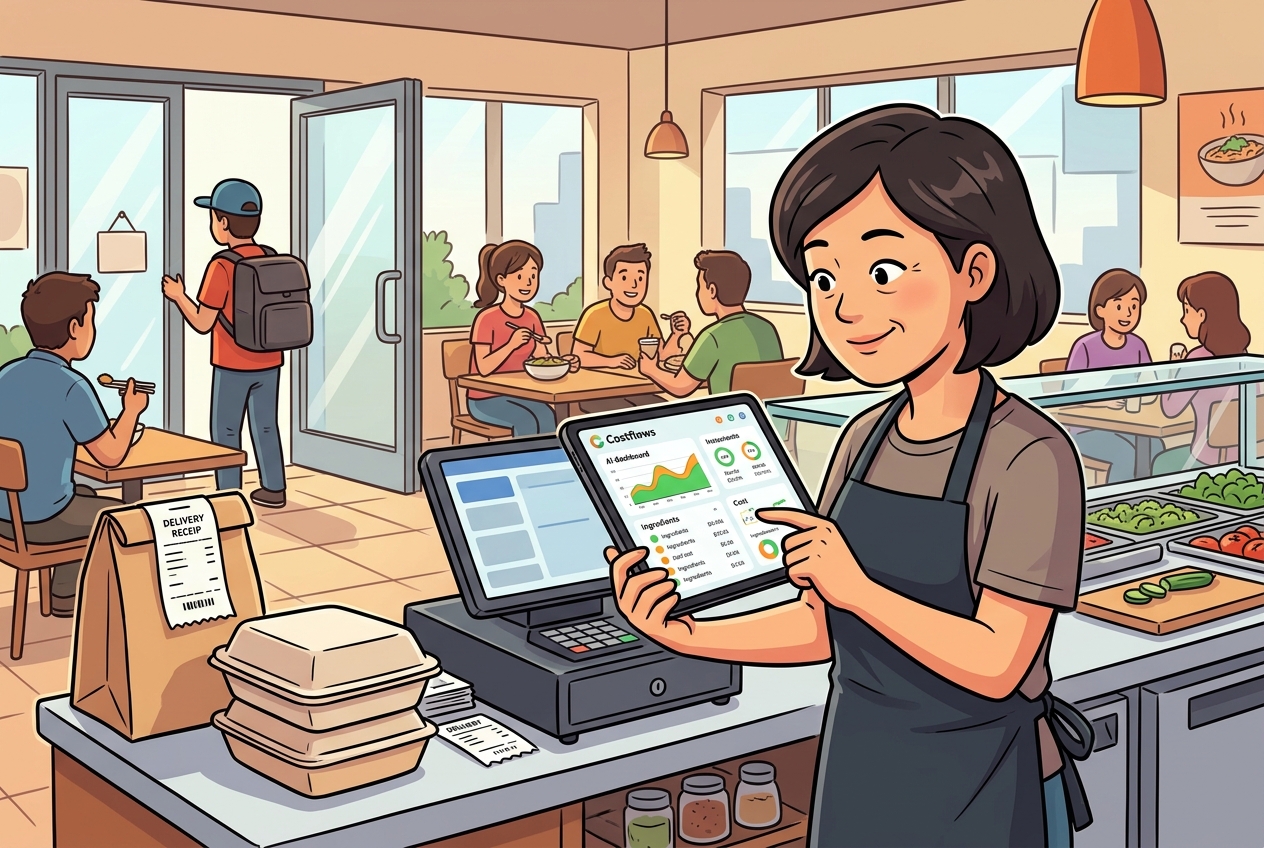
When the morning rush of deliveries arrives, the kitchen, front of house, purchasing, and accounting all grind to a halt for the same reason—the vendor's delivery slips are handwritten, item names are inconsistent, and quantities and unit prices are scribbled together. Many restaurant managers ask: Can handwritten delivery slips be automatically recognized?
The answer isn't a simple "yes" or "no." It depends on how deeply you need to extract the data, and whether you have a system behind it that turns that data into an auditable, trackable, and analytical workflow.
If your only goal is to convert a photo into text, plenty of OCR tools can do that today. But what restaurants actually need isn't just reading "a piece of paper." It's converting vendors, dates, items, specs, quantities, unit prices, and totals into structured data that flows directly into your purchasing, inventory, costing, and reconciliation workflows. There's a massive gap between these two approaches, and they are on completely different levels of accuracy and utility.
Can handwritten delivery slips be auto-scanned? First, identify what problem you are solving
Many people assume the hardest part of reading handwritten slips is just sloppy handwriting. In reality, the bigger headache in a kitchen is inconsistency: the same ingredient has different names, the same supplier uses different slip formats, or they write "lettuce" today, "iceberg" tomorrow, and "romaine" the next day. If your system only reads characters without understanding the context of your business, you'll still end up manually checking every single line.
So, whether handwritten slips can be automatically scanned doesn't just depend on the OCR itself. It comes down to three layers of capability:
- Image Recognition: Can it read the handwriting?
- Field Understanding: Does it know which number is the quantity, unit price, or total?
- Business Mapping: Can it map "the supplier's name" to your "standard system item"?
Without those last two layers, automation is only half-done.
For restaurants, this difference is highly practical. You aren't just trying to save data entry time; you need to know today if beef prices went up, which supplier delivered late this month, or if a specific location's actual food cost is diverging from your theoretical cost. If your delivery slip data doesn't feed into your backend analysis, taking photos at the receiving dock is just replacing paper with digital images.
Where does handwritten slip recognition work best?
Let’s be honest: scanning hand-written slips is absolutely doable, and in many scenarios, the results are highly practical. It works best when suppliers are relatively consistent, item repetition is high, and your restaurant already has a standardized ingredient database. Over time, the system gets smarter because it doesn't just "see" text—it learns supplier habits, common items, and price ranges from historical data.
For example, if your vegetable supplier delivers similar items every week, the layout remains relatively fixed even if the handwriting is messy, making it easier for the system to capture data reliably. Similarly, for seafood, meats, or dry goods, if your backend already has standardized SKUs or purchasing names, the system can automatically match them, reducing manual adjustments.
For management, the real value isn’t "100% hands-off" automation. It’s compressing 2 hours of manual entry into 10 to 20 minutes of quick review. Once most fields are extracted, your staff shifts from "data entry" to "auditors," which completely transforms the daily workflow.
When does handwritten slip scanning fail?
To avoid disappointment, we should also be realistic about the limitations:
- Illegible handwriting: If the handwriting is completely illegible to human eyes, no system will magically read it with high accuracy.
- Jumbled information: If too much info is squeezed into one line—like "mid-wing 10kg 8.5 total 85 delay tomorrow"—notes and main data get jumbled, and the system might map fields incorrectly.
- Poor photo quality: Glare, shadows, folds, blur, and cropped edges directly hurt recognition rates.
- Chaotic item naming: If suppliers have absolutely no fixed format and item names are chaotic with no internal standards, the core issue isn't the technology—it's your purchasing data governance.
Another easily overlooked issue is when the scan succeeds, but reconciliation still fails because the invoice details don't match your purchase orders, receiving logs, or accounts payable records. In other words, scanning is just the entry point, not the destination. Without validation rules, errors simply migrate from paper into your software.
Restaurants don't need OCR; they need an actionable workflow
The right approach for restaurants is integrating handwritten slips into a standardized workflow. At the dock, staff take a quick photo. The system automatically extracts the vendor, date, items, quantities, and prices, matching them against historical data and your master item list. Then, a manager, buyer, or accountant does a quick review to flag any anomalies before syncing everything directly into purchasing, inventory, and accounts payable.
This workflow offers three immediate benefits:
- Faster processing: Data enters your system much faster, so you don't have to scramble at the end of the month.
- Immediate error correction: Errors are caught on delivery day—like incorrect pricing or missing items.
- Data asset creation: Once digitized, slips become searchable, structured purchasing data instead of getting buried in messaging app chat histories or physical folders.
This is why many restaurants find that the real value of automation isn't just saving labor, but gaining complete transparency. Owners see daily purchases, chefs see usage, buyers track supplier price fluctuations, and accountants see pending bills. No more passing around separate Excel files across departments.
How to tell if a system actually supports handwritten slips
If you're looking to adopt a solution, don't just look for "supports handwriting" on the feature list. Assess these four factors instead:
- Can it extract specific fields, or does it just dump a wall of text?
- Does it map items and learn supplier-specific habits?
- Does it have a quick-review interface to prevent incorrect data from entering your books?
- Can it connect the scanned data to your downstream processes, like inventory check-ins, price monitoring, accounts payable, and margin analysis?
This distinction is crucial. Many tools are great for document digitizing, but fail at restaurant operations. You need to turn delivery slips into business insights, not just add another scanner app.
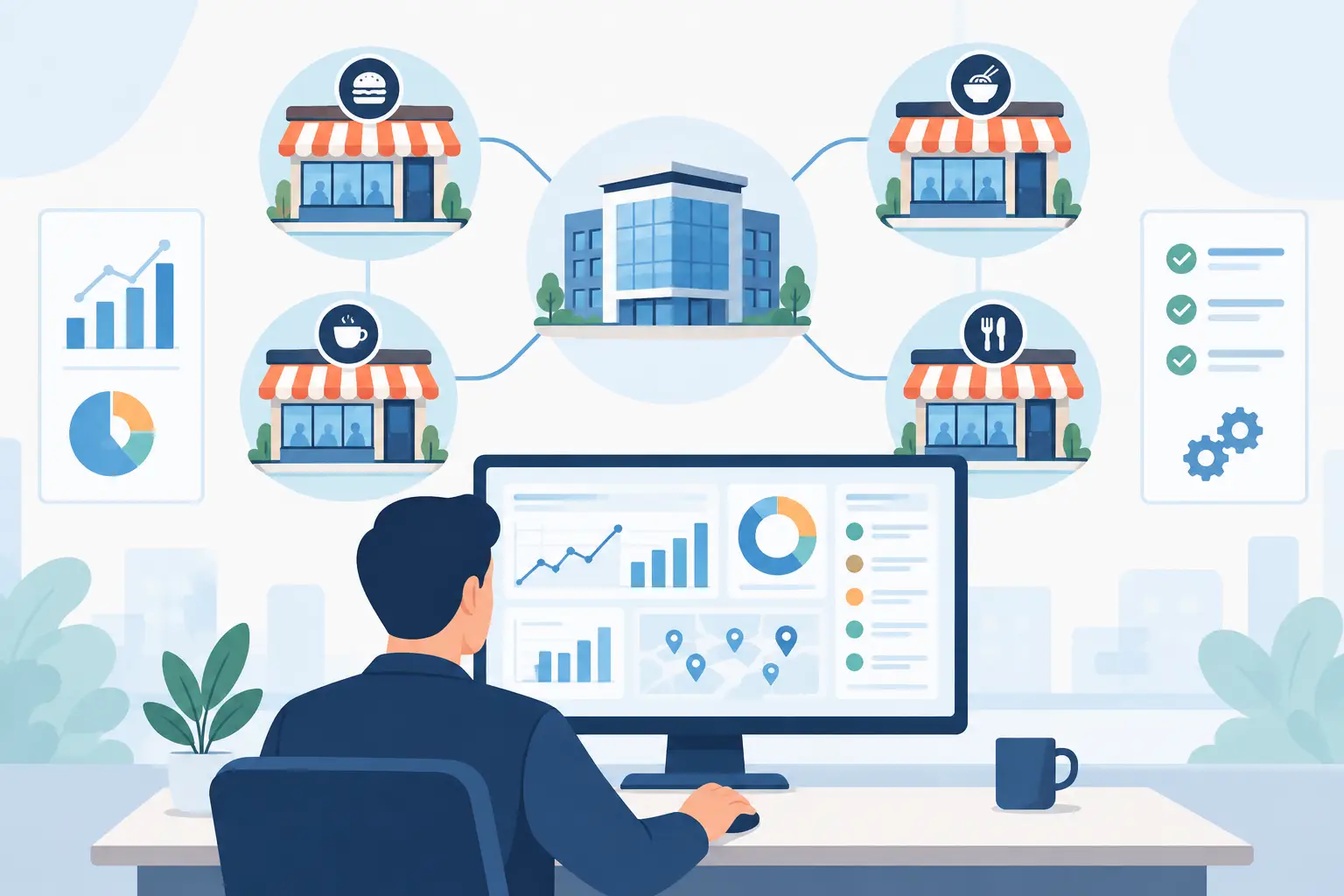
For instance, systems built for F&B like Costflows look beyond OCR. They bring data capture, human verification, purchasing, inventory, cost analysis, and supplier performance into a single, unified workflow. For multi-unit brands or high-volume kitchens, this is far more practical than standalone tools, as it prevents double-handling of data.
What measurable results can you expect?
At the end of the day, it comes down to ROI:
- Slashed data entry time: Shifting from manual typing to photo review saves hours of administrative labor every day.
- Fewer human errors: Manual typing often leads to typos in item names, quantities, or unit prices—especially during busy shifts. Automation handles the repetitive matching so your team can focus on resolving discrepancies.
- Real-time price monitoring: When slips are logged daily, you'll immediately spot when a supplier quietly raises prices, rather than finding out at month-end after your margins have already suffered.
- Smoother audits and inventory counts: Because purchasing, receiving, inventory, and payables share the same source of truth, you won't have to piece records together from various chats, spreadsheets, and paper piles at the end of the month. This process integration is often worth far more than just labor savings.
The decision isn't about technology—it's about volume and management needs
If you run a single small cafe with low invoice volume and stable vendor relationships, manual tracking might work fine for now. But if you are managing multiple locations, dealing with high invoice volumes, experiencing frequent price changes, or need to see your daily food costs and margins, it is time to evaluate an automated solution.
As operations grow, handwritten slips lead to fragmented data. You won't know which store is overpaying, which supplier is shorting orders, or why your actual food cost doesn't match your target. These aren't issues you can solve by simply hiring more data entry clerks.
So, can handwritten slips be automatically recognized? Yes, but only if you choose a system that turns those slips into management actions, not just a digital filing cabinet. For restaurants, the goal of automation is turning every delivery slip into the starting point for cost control, price tracking, and margin protection.
Next time you look at a stack of handwritten delivery slips, don't just ask if a system can read the handwriting. Ask yourself: "Once this data is in, can I use it to make a decision today?" That’s the real divider between simple automation and true business value.
.png)

訂閱最新消息
不要錯過任何餐飲的資訊