• Costflows Intelligence
  • Managing restaurants
    
    Solutions
    • Cost and Expense Control
    • Procurement Management
    • Inventory Management
    • Recipe and Menu Engineering
    • Multi Brands Management
    • Central Kitchen Management
    Report analysis
    • Purchase Analysis
    • Inventory Variance
    • Menu Profit Analysis
    • Supplier Performance Analysis
    • Actual and Theoretical Purchase Consumption Report
    Integration
    • Account l POS l ERP
    • Open API
  • Why us?
    
    Restaurant Type
    • Single Outlet
    • Chain Stores
    • Franchise Store
    • Central Kitchen
    • Vendors
    • Account Firm
    Restaurant Operation
    • Restaurant manager
      Ordering via Mobile APP
    • Kitchen|Chef
      Monitor Price Changes and Profit
    • Floor|Staff
      Stock Take and Menu Guide
    • Cloud Based | APP & WEB
      Access Anytime | Any Where
    • Decision Team | Management
      Instant Insight of Profit and Expense
    • Procurement
      Manager Orders and Suppliers
    • Accounting
      Easy Book Keeping and Accounting Sync
    • Central Kitchen|Factory
      Handle Inbound Orders and Production Planning
    Compare Other Tools
    • ERP|POS|Excel|Accounting Software
  • Get Started
  • Pricing
  • Contact Us
  • Case Studies
    
    Case Studies
    • Client Testimonial
    • Client List
    Systematic teaching
    • Beginner's guide
    • System function process
    Costflows information
    • Update log
  • 
    Sign in
  • Start trial

Sign in
Start trial
English
繁中
English
簡中
Malay
Market Insights
Zoe Chen

Scaling Your Restaurant Chain: How to Master Central Kitchen & Store Ordering

May 23, 2026
Stop ordering chaos. Integrate kitchen and store data to boost profits.

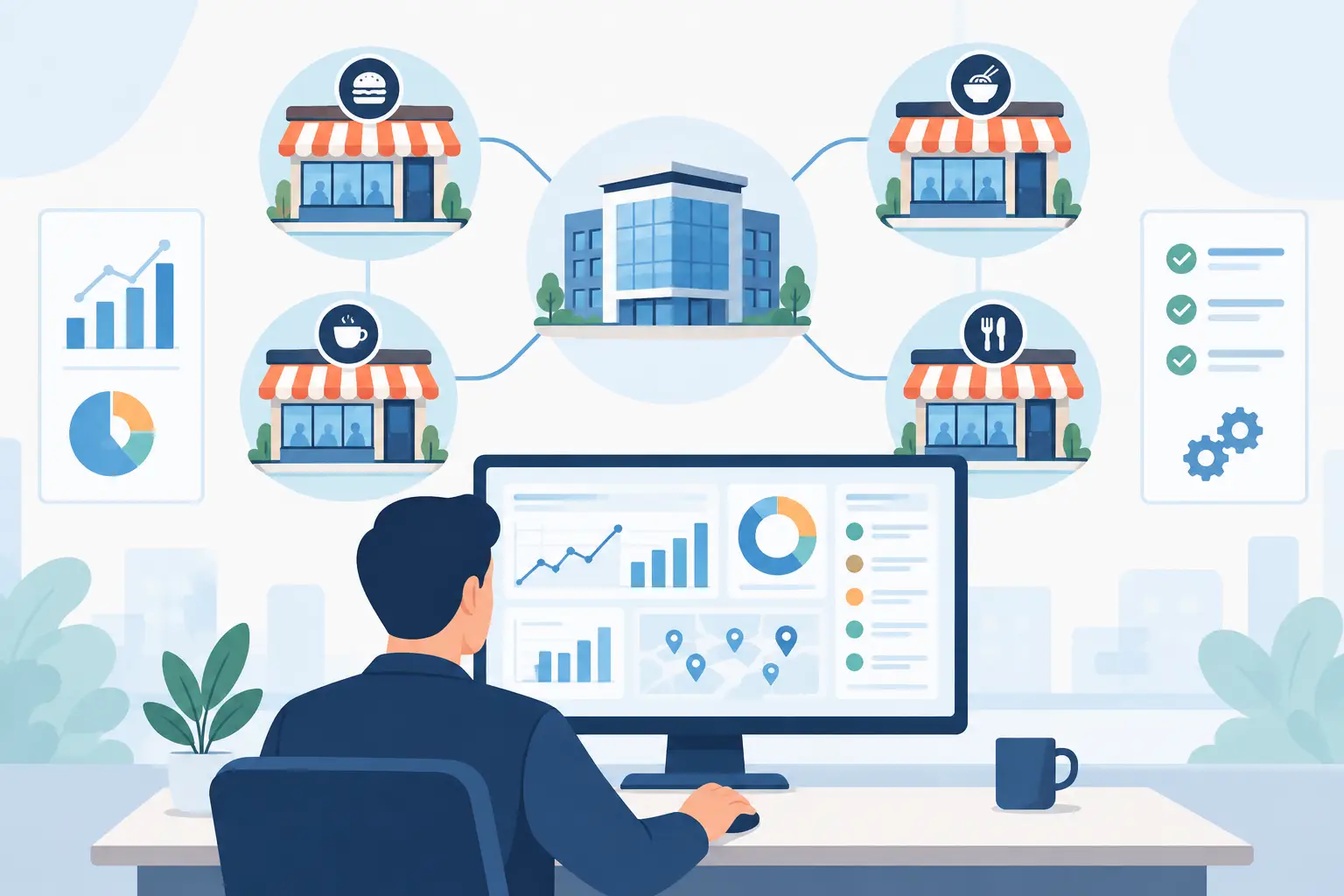
Once a restaurant group expands beyond three locations, ordering becomes far more complex than just "whoever runs out places an order." Especially when running a Central Kitchen model, if the division of labor between the kitchen and the stores isn't clearly defined, chaos ensues—duplicate orders, stock discrepancies, constant firefighting, and accounting nightmares. This isn't just a communication issue; it’s a failure to standardize your data and processes.

You can't manage this with experience alone, and certainly not via a messy group chat saying, "Can I get 20 lbs of chicken thighs?" If roles overlap, no one takes ownership; if they are too rigid, stores can't react to sales fluctuations. The solution isn't to centralize all power, but to clearly define the specific "nodes" of your workflow: who initiates, who approves, who procures, and who reconciles.

Why Central Kitchen-to-Store Ordering Often Spirals Out of Control

The problem is rarely that "no one is working"; it’s that too many people are doing the same thing. Store managers order by sales, chefs order by "feel," and the procurement team works off historical data—all while the Central Kitchen tries to keep up.

Furthermore, many restaurants treat their central kitchen like a giant warehouse rather than a production hub. If you rely on manual tracking methods like paper or phone calls, you’ll never get your costs to align at the end of the month. The root cause is almost always a lack of systemic structure.

The Core Strategy: Focus on Nodes, Not Just Roles

True efficiency comes from splitting the workflow into actionable steps:

1. Stores request, but don’t define procurement specs

Store managers know their local demand, so they should initiate requests. However, they shouldn't dictate unit conversions or supplier choices. Stores should only submit standardized requests—items, quantities, and timing—while the system handles the backend rules.

2. The Central Kitchen produces, it doesn't "guess"

The Central Kitchen’s job is to consolidate multi-store demand into a production plan. If stores are responsible for their own forecasting accuracy, the Central Kitchen can focus on production efficiency and quality control.

3. Procurement manages the big picture

The purchasing team should only receive verified, consolidated orders. This allows them to leverage bulk pricing and monitor price fluctuations, rather than chasing down individual emergency requests from every location.

How to Build a Fail-Safe Ordering Workflow

The system should suggest orders based on historical data and current stock. Managers then verify these, and once approved, the system automatically splits the demand into internal production tasks and external purchase orders. When deliveries arrive, stores confirm receipt—closing the loop on data and accountability.

Data-Driven Management is the Only Path to Scale

When your ordering data lives in spreadsheets or text messages, your processes will inevitably break. Using tools like Costflows doesn't just replace manual entry—it places procurement, inventory, production, and accounting into a single, logical flow.

If you are struggling with frequent stockouts, misorders, or reconciliation headaches, your current workflow has likely outgrown your business. By integrating your central kitchen and stores into one trackable data stream, you stop the internal "leaks" that eat away at your profit margins.

‍

Zoe Chen

Zoe Chen

Digital Marketer

F&B Insights





Subscribe To Our Newsletter - Webtech X Webflow Template

訂閱最新消息

不要錯過任何餐飲的資訊


Thanks for joining our newsletter.
Oops! Something went wrong.

其他資訊

瀏覽全部
Procurement App vs. ERP: How to Choose the Right Tech for Your Restaurant
Market Insights

Procurement App vs. ERP: How to Choose the Right Tech for Your Restaurant

Procurement App vs. ERP: Choose by speed and data accuracy.

前往

Recipe Costing Software Review: Stop Looking at Interfaces and Start Connecting Your Data
Market Insights

Recipe Costing Software Review: Stop Looking at Interfaces and Start Connecting Your Data

Recipe software: Automate invoices, stock & POS to control costs & profit

前往


Are you considering what you need? Try it now for free

free trialCONTACT US
Program features
  • Restaurant cost control
  • Procurement management
  • Storage and loss management
  • Benefit analysis of menu recipes
  • Chain brand/franchise management
  • Central kitchen/factory process management
Other links
  • Costflows Intelligence
  • List of clients
  • Newbie on the road
  • Update log
Other links
  • Auto Withdraw Expenses
  • How to get started
  • price
  • about us
  • Advantages over other software
  • Open API
  • Costflows vs Restoke
  • Costflows vs Food Market Hub
  • Costflows vs Foodival
  • Costflows vs Airpurchase
其他連結
  • 自動擷取支出
  • 如何開始
  • 價錢
  • 關於我們
  • 對比其他軟件的優勢
  • 開放式API
Subscribe To Our Newsletter - Webtech X Webflow Template
Get our latest news

We launch some new features every month, subscribe to our email and keep in touch.


Thanks for joining our newsletter.
Oops! Something went long.

© Copyright 2026. All Rights Reserved by Costflows Limited | Privacy Policy & Term of Use