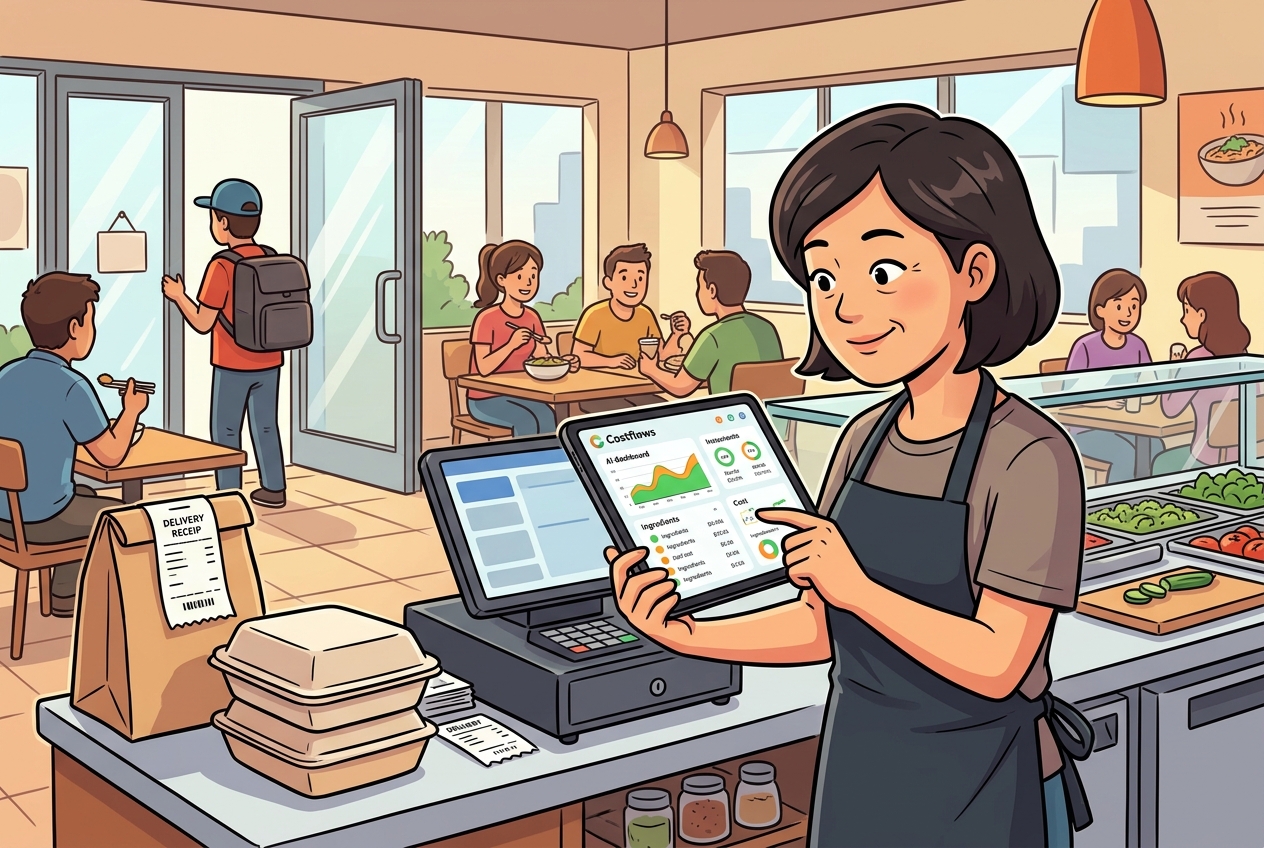
During a dinner rush, the kitchen suddenly shouts that they’re out of chicken wings. Meanwhile, your warehouse just received a shipment last week, and your accountant only notices at month-end that your food costs spiked. Sound familiar? In these situations, the problem usually isn't that you "bought too little." It's that your inventory management isn't detailed enough, and your data isn't moving in real-time. In restaurant operations, inventory is never just about how much stock is sitting in the back. It’s about how every purchase, invoice, transfer, waste log, and ingredient used ultimately hits your bottom line.
If you’re still relying on Excel, paper logs, WhatsApp screenshots, and manual checks to manage your stock, you’re bound to hit the same wall: you have the numbers, but you can't trust them. Your team is incredibly busy, yet food costs keep climbing. The real fix isn't adding another spreadsheet to the pile—it's connecting procurement, receiving, stocktakes, wastage, and reporting into one smooth data flow.
Why Is Restaurant Inventory So Hard to Get Right?
Most restaurants do stocktakes, keep receiving logs, and use order guides. But the breakdown happens when this data is scattered across different hands. The manager uses Excel, the floor staff uses paper, the kitchen relies on gut feeling, the buyer orders over WhatsApp, and the accountant waits until month-end to collect invoices. Everyone is doing their part, but because the steps aren't connected, errors naturally pile up.
The most common culprit is slow invoice logging. When supplier prices change but your system isn’t updated, your menu cost analysis goes out the window. Another issue is unrecorded or late waste logs. Whether it’s spoiled ingredients, recipe testing, staff meals, or transfers to other locations—if these aren’t logged immediately, the gap between your theoretical and actual stock will only grow wider.
So, when inventory counts are off, it's rarely because your front-line team isn't working hard. It's usually because your process makes it nearly impossible to capture data in a way that is real-time, complete, and trackable.
Fix the Process Before You Buy More Stock
To bring your food costs down, don't start by demanding your team count stock more strictly. Start by defining which data points must be entered into your system immediately. This includes orders, receiving, invoice entries, stock adjustments, wastage, internal transfers, and daily or weekly stocktakes. If these tasks require someone to sit down at an office desk to get done, they are bound to be delayed.
An effective process empowers your team to log data instantly on their phones. Take a photo of an invoice during receiving, and let the system extract the items, quantities, and prices. Update stock counts directly on a mobile screen during stocktakes. Select the reason and quantity when wasting food. Log transfers with digital signatures on both ends. You aren't doing this just to be "tech-savvy"—you're doing it because every day your data is delayed is another day management is blind to cost issues.
Only when data enters a single system in real-time do downstream tasks like purchasing analysis, cost comparisons, supplier performance, and margin calculations actually make sense. Otherwise, even the most beautiful month-end reports are just post-mortems of money you've already lost.
You’re Controlling Margins, Not Just Box Counts
When talking about inventory, it’s easy to focus solely on "how many cases are left" or "do we have enough for service." But what actually impacts your gross margin is the pricing behind those numbers, how fast stock is moving, and any abnormal fluctuations.
Take chicken thighs, for instance. If your vendor raises the price per kilo by 8% this month and your invoices aren’t logged immediately, you might not notice right away. By the time you review total costs at month-end, you've already missed the window to renegotiate or find an alternative supplier. Or consider a sauce where your recipe says you should use 20 bottles a week, but 28 bottles actually left the shelf. This gap could be portion control issues, unrecorded waste, or even internal shrinkage. Without comparing theoretical vs. actual usage, a simple count only tells you "it's gone," never "why."
This is why effective inventory management must link unit costs, recipe structures, and POS sales data. What you sold, what you should have used, and what you actually have left—these three numbers must match for true control.
Designing a Practical Management Workflow
For a single-unit restaurant, the goal is to cut manual data entry so managers can spot errors daily. For multi-unit chains or operations with a central kitchen, the focus is standardizing processes so every location plays by the same rules.
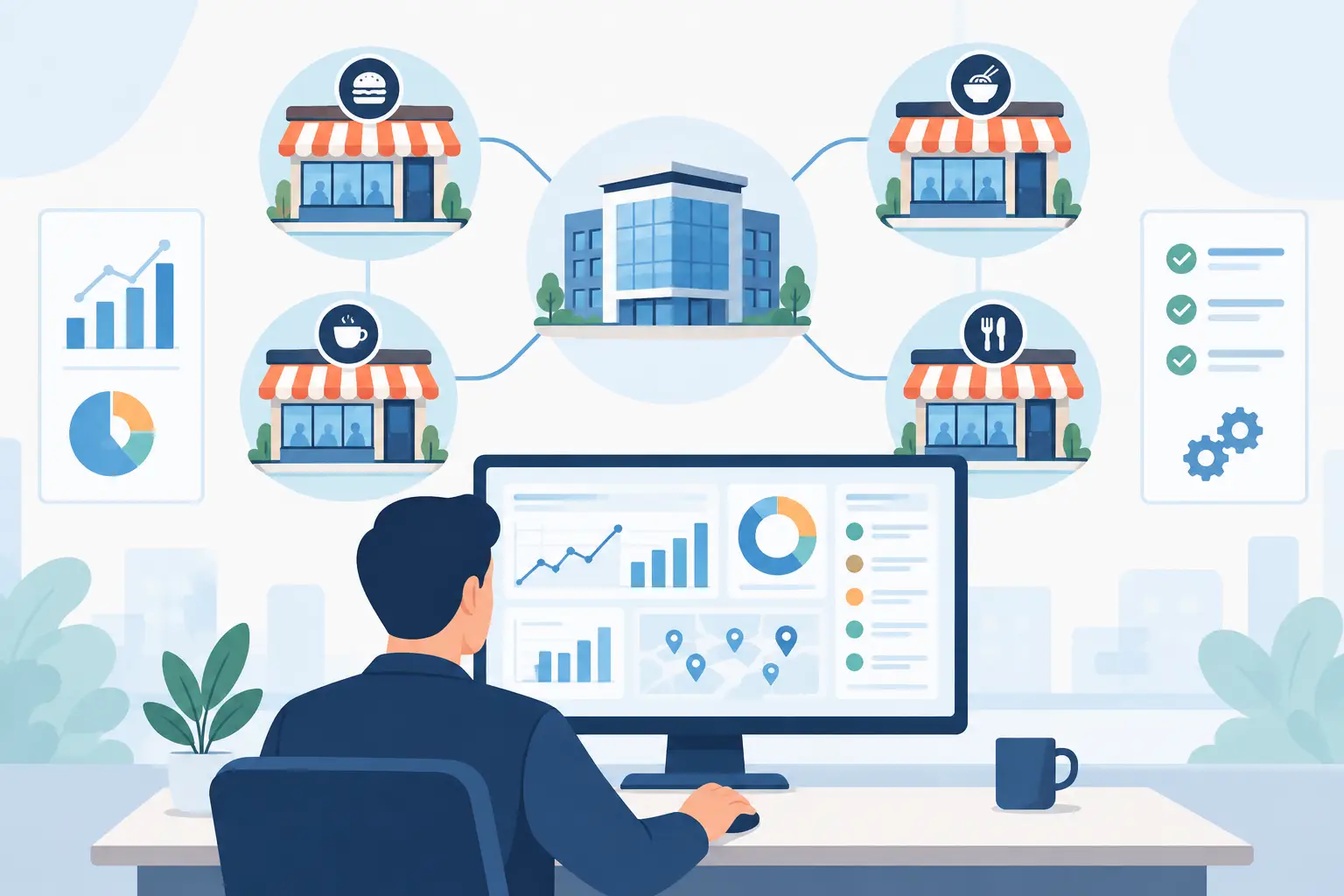
You can break this workflow into four distinct layers:
- Procurement & Receiving: Turn all vendor invoices, handwritten notes, and quotes into structured data as quickly as possible.
- Warehouse Activities: Log stocktakes, wastage, transfers, and daily usage.
- Cost Analysis: Push the latest vendor prices directly into recipe costs and menu margins.
- Management Reporting: Track supplier price changes, inventory variances, cross-store performance, and daily P&L estimates.
The beauty of this framework is that each department only handles the tasks closest to them, yet all data feeds into a single management view. Managers spot variances, buyers watch prices, chefs track usage, accountants manage payables, and executives monitor profits and trends. Cross-department collaboration shifts from guesswork to data-backed decisions.
AI Entry and Automation: More Than Just Speed
Many operators think automation is just about saving clerical hours. While that's a nice perk, the real value lies in eliminating delays, reducing human error, and building auditability. When invoices can be captured by OCR and processed into structured data, you aren't dealing with static PDFs or photos anymore—you're dealing with live, actionable information that immediately updates your food costs.
The difference is huge. Instead of waiting for a manual spreadsheet entry to discover beef prices went up, an automated system updates your recipe costs instantly, flagging anomalies for management on day one. For volatile ingredients like seafood, meat, and oils, reacting a week faster can protect your entire month’s margins.
When a system also supports handwritten slips, multi-language invoices, and high-accuracy verification, the friction for front-line teams disappears. Kitchen staff don't have to pause their work for mismatched formatting, and the back office doesn't waste time cleaning data. This is why tools like Costflows are built for restaurants—they turn tedious invoice data entry and reconciliation into a standard, painless process instead of pushing the burden onto manual labor.
Smart Reporting: Highlight Actionable Variances
More reports aren't necessarily better. What matters is what you do after reading them. A truly valuable report points directly to where you need to take action.
An invoice price variance report shouldn't just list costs; it should show you which items have abnormal hikes, which locations are buying at higher rates, and price gaps between similar vendors. A waste report shouldn't just show a total dollar amount—it should break down waste by reason, shift, and department so you can see if the issue is over-ordering, poor storage, or portion control on the line.
Another crucial report is the Theoretical vs. Actual Cost Comparison. By linking POS sales with your recipe database, you can see how much stock 100 sold dishes should have used. If actual usage is much higher, you can immediately trace portion sizes, kitchen waste, or operational leaks. This is the exact data that stops cost leaks.
Different Sizes, Different Approaches
- Single-Unit Restaurants: Avoid over-complicating the workflow, or your team will stop logging data. Focus on high-value, high-volume, and high-volatility items first. Clean up the top 20% of your inventory that accounts for 80% of your costs, then expand from there. You don’t need to manage every spice packet from day one, but your main cost drivers should be transparent in real-time.
- Multi-Unit Chains: The biggest challenge isn’t a lack of data; it’s a lack of consistency. Different locations using different ingredient names, units of measure, or waste reasons make comparison impossible. Multi-unit brands must standardize their master data first, then implement approval workflows, transfer logs, and central kitchen rules to keep reports clean.
- Central Kitchens & Commissaries: You need to track semi-finished goods in transit. Raw materials enter the commissary, get processed into prep items, and ship to stores. Without a system to track this movement, store-level costs get distorted and production waste goes untraced. You need a unified data chain covering procurement, production, dispatch, and store-level usage.
From Chaos to Control: Focus on Timeliness, Not Just Hard Work
It’s easy to fall into the trap of thinking, "Everyone is busy, so everything must be fine." In reality, busy operations need structured, real-time processes the most. Otherwise, you only have the illusion of smooth operations while your margins slowly slip away.
When you get restaurant inventory right, you do more than just fix stock counts; you make business decisions much faster. Knowing when to switch suppliers, update menu pricing, address waste at a specific location, or audit commissary output becomes a matter of checking data, not making educated guesses.
Food margins aren't won at month-end. They are built daily at the receiving dock, on the prep line, and during stock counts. By turning these moments into standard, integrated workflows, inventory stops being an administrative headache and becomes your most powerful tool for protecting profit.
.png)

訂閱最新消息
不要錯過任何餐飲的資訊